Vertical content in 2026: what actually works on Snapchat and TikTok
A hook in the first second, native on-screen text, captions, tight pacing and one recording reused across formats: the habits of growing Snapchat and TikTok accounts.
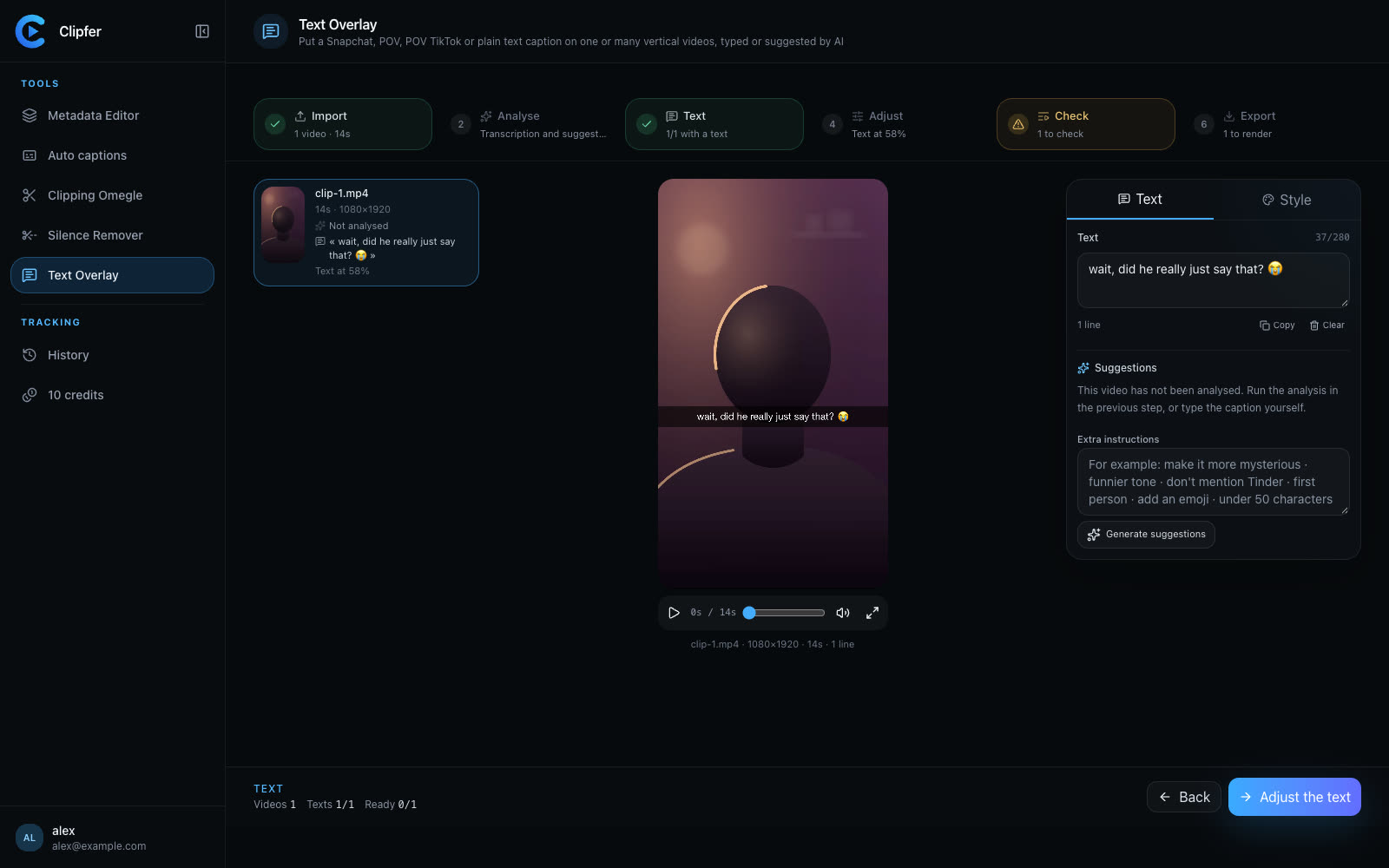
The rules of vertical video have not changed much in two years. What has changed is the bar. The accounts growing in 2026 are not the ones posting the most; they are the ones keeping a steady routine of clean videos: an immediate hook, readable text, captions, no dead air. Here is what we see from the creators and agencies who get the best results, and the habits they share.
The first second decides everything
On Snapchat and TikTok alike, a viewer decides to stay or swipe before they have understood the topic. The very first frame has to carry the promise: a face mid-reaction, a situation already underway, a line of text that asks a question. Skip the intro shots ("hey everyone"), the fade-ins and the logos.
Three hooks that work without tricks:
- Start in the middle of the action. Cut everything before the interesting moment, even if the jump feels abrupt.
- Text that creates anticipation: "did he really just say that?", "watch her face at 0:04".
- A question asked to camera, answered by the video in under twenty seconds.
If you record conversations or reactions, the strongest moment is almost never at the start of the file. Finding it is half the job.
Native text, not the caption field
Viewers read the text on the picture, rarely the caption underneath. A Snapchat-style text band (dark strip, system font) or a POV line at the top of the frame is part of the platform's own language: it looks like it was made on the spot, and that is exactly what makes it believable.
Some useful guardrails:
- One idea per text, ten to fifteen words at most.
- Keep it in the safe area: not under the top interface, not under the buttons on the right, not where the caption sits at the bottom.
- Write in the first person when you are the one filming, and use "he" or "she" for the person on screen. That small consistency is what stops text from sounding off.
When you prepare a series of ten or twenty videos at once, writing a good line for each one takes time. Clipfer's Text Overlay listens to what is said in each video, looks at what happens, and proposes several texts per type (Snapchat, POV, POV TikTok or plain text). You keep the one you like, tweak it or type your own, and the whole batch is rendered.
Captions on every video with speech
A large share of views happen with the sound off: on the train, at work, in bed. A talking video without captions loses those viewers on the first sentence. Captions also help when the audio is average, and they make your content accessible to deaf and hard-of-hearing viewers.
Captions that hold attention share a few traits: two lines at most, a bold font with an outline, one word or small group highlighted in rhythm with the speech, and a different colour per voice when more than one person talks. Clipfer's Auto captions does exactly that across a whole batch, with a word-by-word correction step before export.
Pacing: cut more than you think
Vertical video does not forgive silence. A two-second hesitation that goes unnoticed in a twenty-minute YouTube video makes people leave a thirty-second TikTok. Rewatch your videos asking one question: at which point do I feel like swiping to the next one? That is where to cut.
Do keep the pauses that mean something: the silence right before an answer, the breath before a laugh. An edit that is too tight feels mechanical. A tool like Silence Remover offers several cut levels, from natural to dynamic, and lets you put back the gaps you miss before exporting.
One recording, several formats
The biggest time saver in 2026 is not an effect, it is organisation. One hour of recording can become a dozen clips, each one turned into a captioned version, a Snapchat-text version and a raw version for stories. The same content, framed differently, reaches different audiences without filming more.
Plan that reuse from the moment you record:
- Film vertically, or with two distinct frames (a webcam and a reaction, for instance).
- Note the strong moments during the session, even roughly.
- Cut, caption and add text in one editing session per week rather than video by video.
A posting rhythm you can sustain
Four videos a week for six months beats twenty videos in one week and then nothing. Your audience gets used to finding you. Pick a volume you can produce without giving up your evenings, and keep a few videos in reserve for the slow weeks.
Going further
Related articles
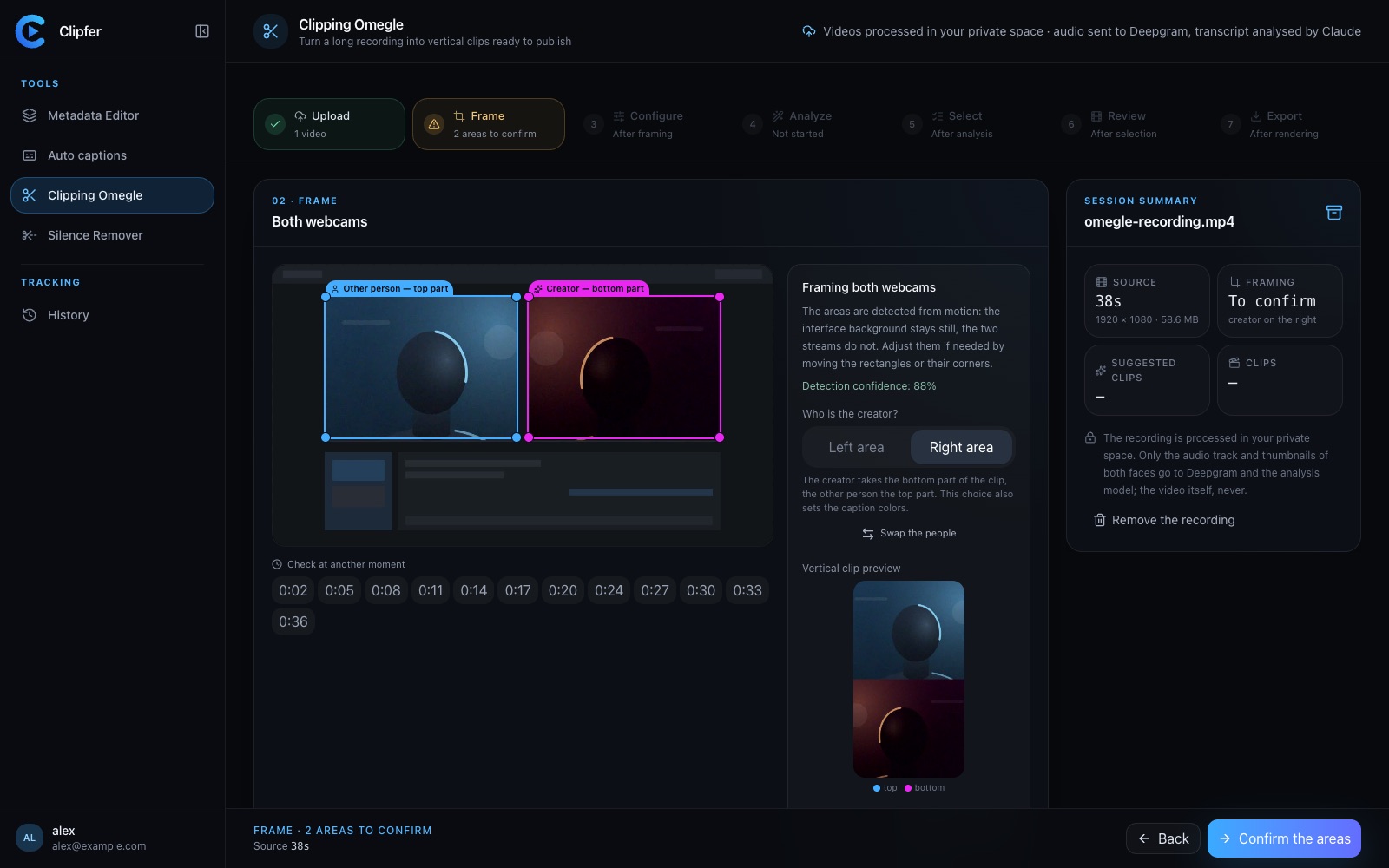
Clipping an Omegle or Ome.tv conversation: from a long recording to vertical clips
Spotting the right moments, choosing who goes on top in the two-webcam frame, captions, sound effects, the analysis models and their credit cost, and polishing in the clip editor.
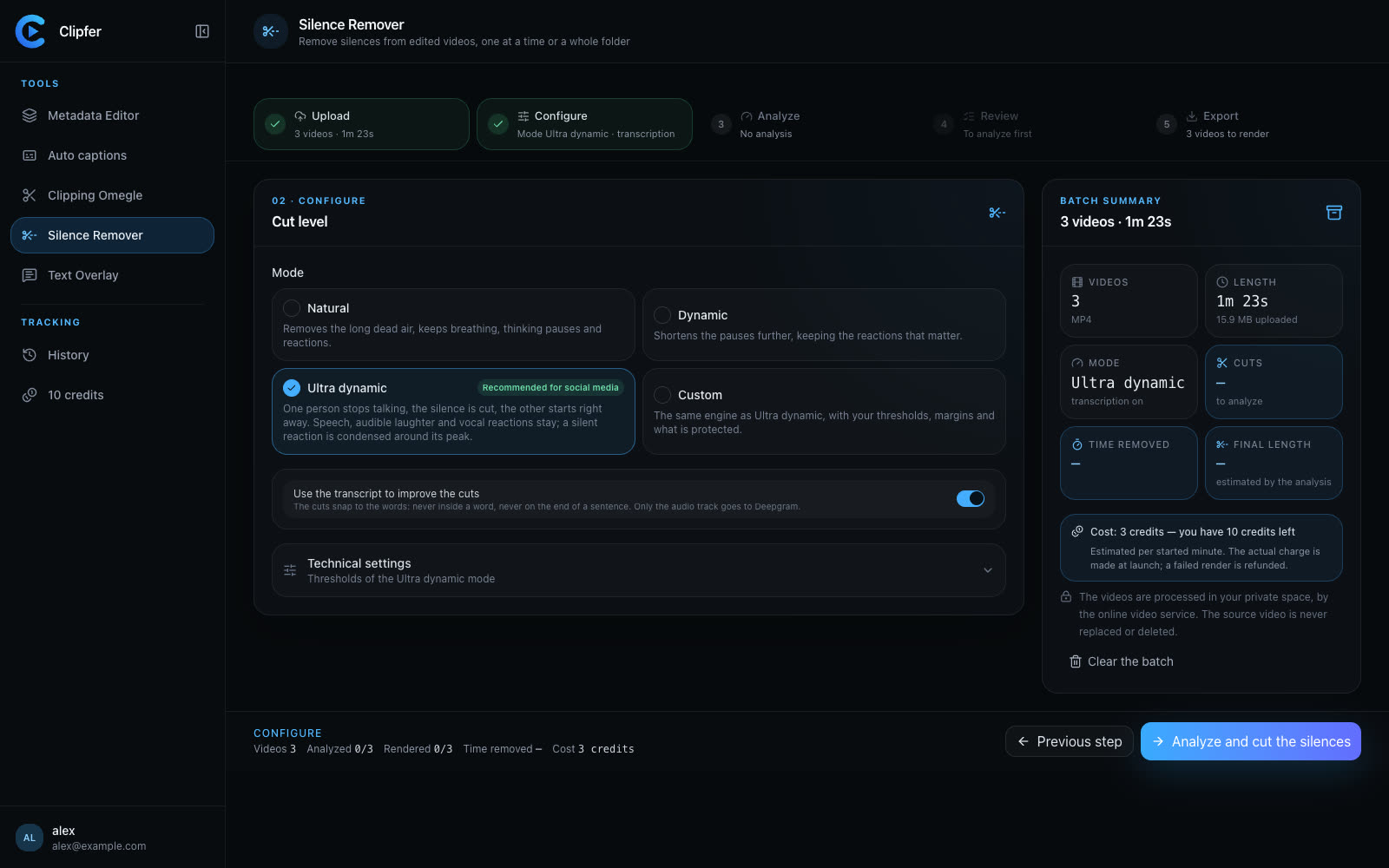
Cutting silence: pacing a video without making it feel mechanical
Dead air, hesitations, breaths: what to remove, what to keep, how to set thresholds, and how to check the cuts across a whole folder before you export.
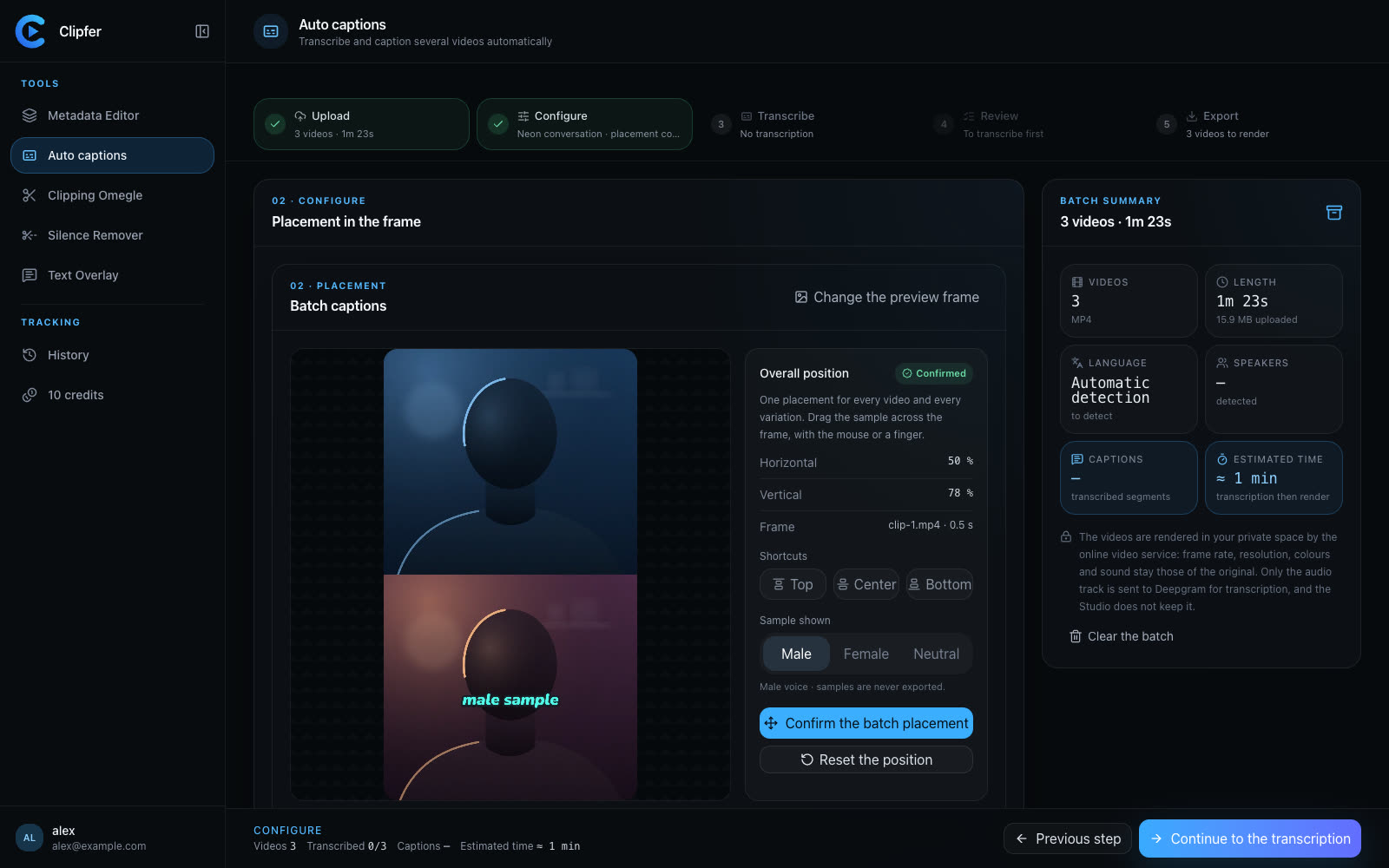
Auto captions: why they keep viewers watching, and how to get them right
Sound off, accessibility, comprehension: captions keep people watching. The practices that matter (lines, fonts, speaker colours, timing) and how to caption a whole batch.