Three levels, and your own
Natural (gaps over 0.8 s), Dynamic (0.5 s), Ultra dynamic (180 ms). Custom: minimum gap, margins before and after, maximum silent reaction, sensitivity to quiet voices.
Upload a video, a folder or a ZIP. Clipfer measures sound and motion, snaps to words thanks to the transcript, and cuts silences at the level you choose — Natural, Dynamic, Ultra dynamic, or your own thresholds. You listen to every cut before exporting.
Sign-ups not open yet · opening soon
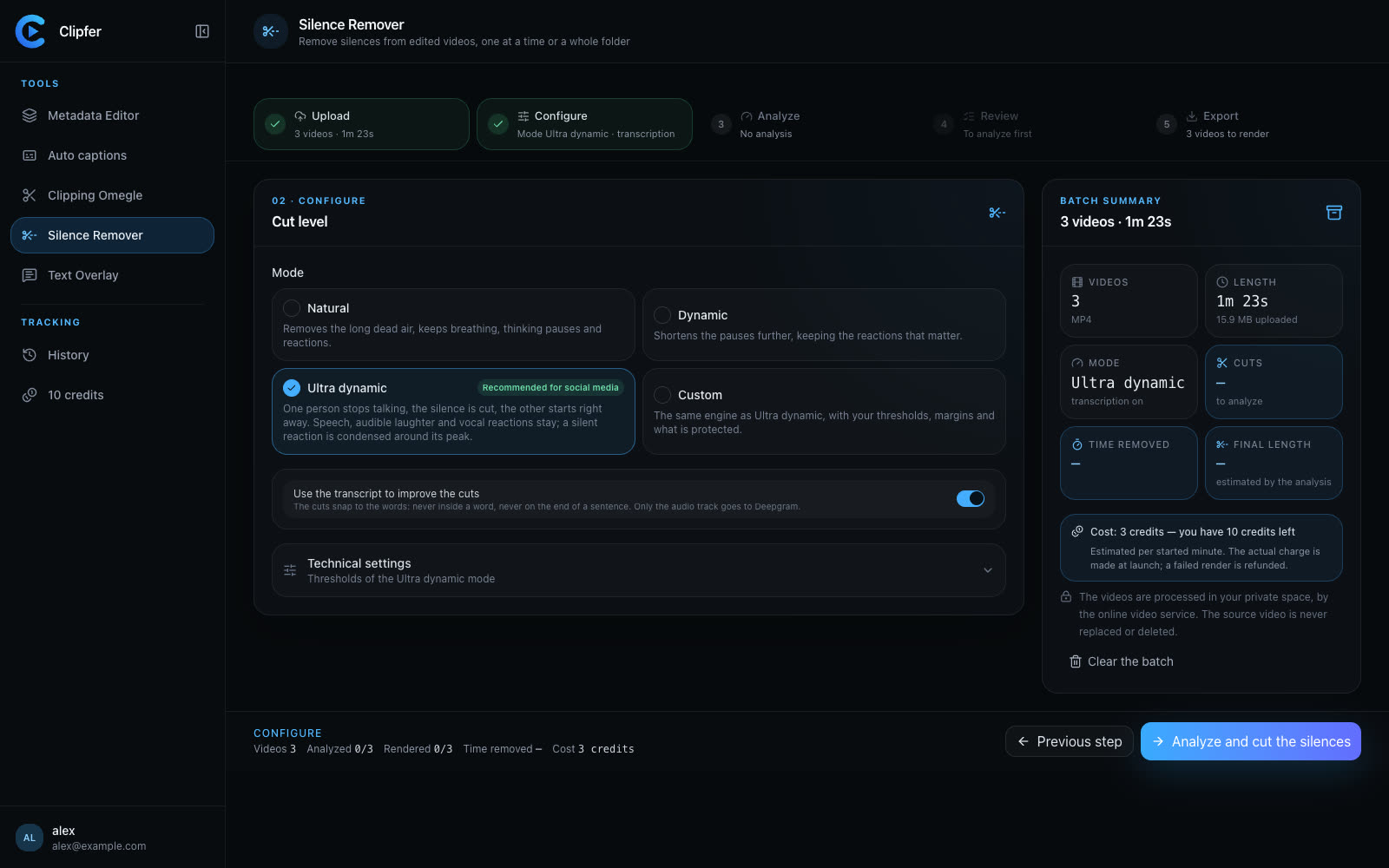
Natural (gaps over 0.8 s), Dynamic (0.5 s), Ultra dynamic (180 ms). Custom: minimum gap, margins before and after, maximum silent reaction, sensitivity to quiet voices.
Speech, audible laughter and vocal reactions are kept; a silent reaction is condensed onto its peak. Picture motion counts too.
List of silences with reason and confidence, filters Long / Very short / Uncertain, zoomable waveform. Putting a gap back re-renders on its own.
Same framing, same resolution, same frame rate, same colours, loudness unchanged. A voice check after rendering fixes a flaw automatically, at most twice.
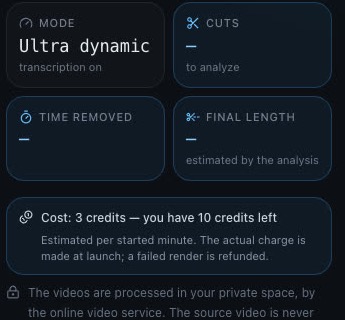
The video comes out identical to the original, shorter: time removed and final length are shown before export.
Ultra dynamic for social media: it is the default. Natural for a calm video (interview, tutorial). Dynamic in between. Custom when you know exactly what you want to keep.
No: audible laughter and vocal reactions stay. A silent reaction (a look, a gesture) is condensed to 0.6 s at most, and you can keep it whole at the check step.
It is on by default and improves the cuts: never in the middle of a word, never on the end of a sentence. Without it, the analysis relies on sound and motion only.
The container is always MP4; the picture keeps its framing, resolution, frame rate and colours, and the loudness does not change.
Yes: a folder or a ZIP, processed as a batch, every video rendered and checked separately. Changing the mode along the way only re-runs the videos concerned.
Sign-ups are opening soon.
Five steps, one video or a whole folder
Upload, set, analyse, check, export. The chosen mode applies to the whole batch; changing it only re-runs the videos concerned.
1. Upload
Several videos, a whole folder or a ZIP. MP4, MOV, M4V, WebM; a one-hour video is supported.
2. Choose the cutting level
Natural keeps breathing and thinking pauses. Dynamic shortens more. Ultra dynamic, recommended for social media, cuts from 180 ms: one person stops talking, the other picks up at once. Custom exposes thresholds and margins.
3. Snap to words
With the transcript, cuts never land in the middle of a word or on the end of a sentence. Only the audio track goes to Deepgram. Technical settings stay available.
4. Check, then export
The cost is shown before you run. After the analysis, you listen to every silence, keep it or remove it again; a before/after player skips the removed parts. Then the service renders the videos.