Three ready styles, all adjustable
Neon conversation (three words, colours per voice, glow), Plain (white, crisp outline), Impact (one word at a time, uppercase, yellow and pink). Touch a setting and the style becomes yours.
Upload one video or ten. Clipfer transcribes, recognises who is speaking, places styled captions where you choose, and lets you fix every word before export. The picture, frame rate and colours of the original stay intact.
Sign-ups not open yet · opening soon
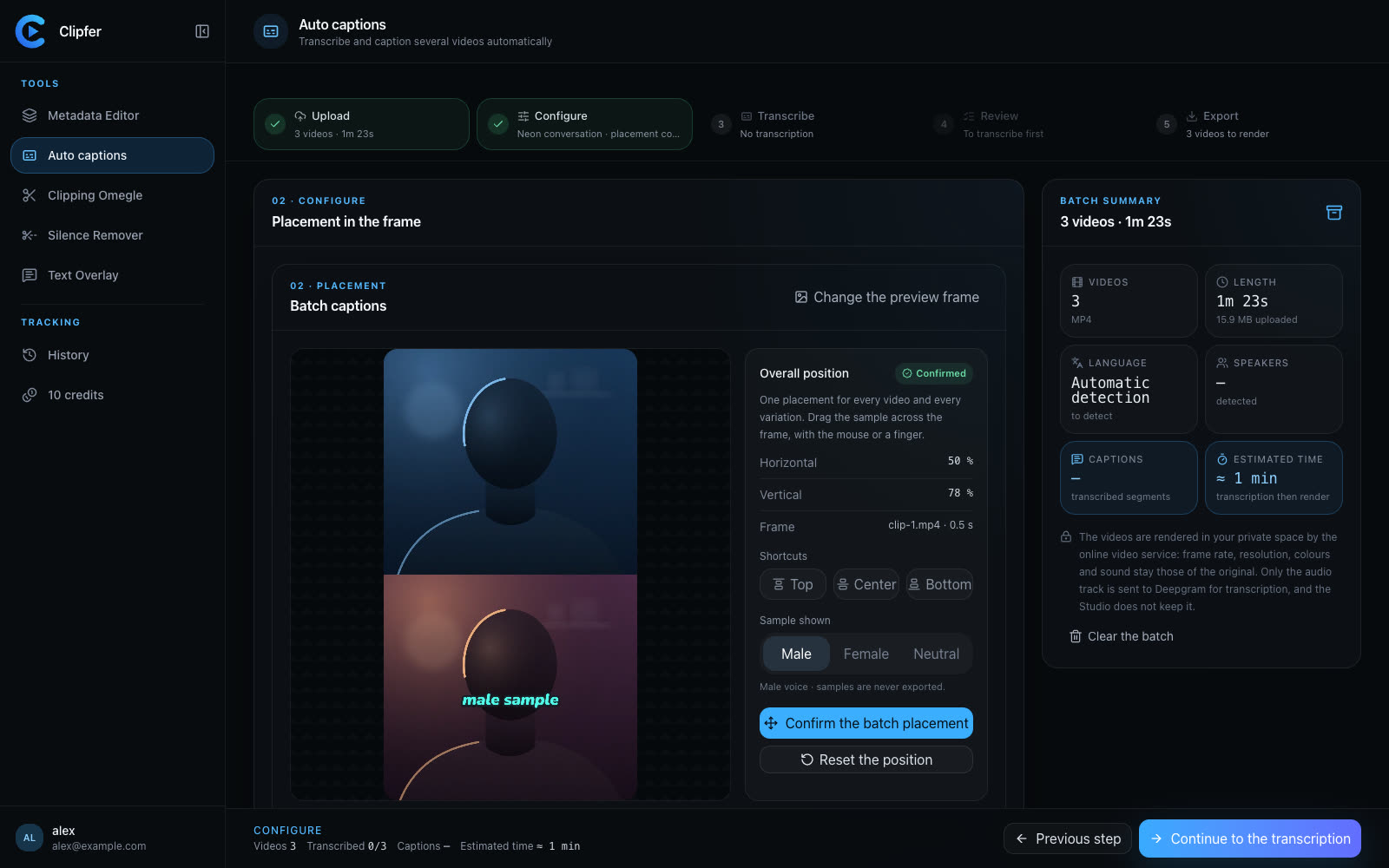
Neon conversation (three words, colours per voice, glow), Plain (white, crisp outline), Impact (one word at a time, uppercase, yellow and pink). Touch a setting and the style becomes yours.
Deepgram separates the voices, timbre classifies them, and lip movement corrects: the on-screen voice in pink, the off-screen voice in blue. You check each speaker with an audio excerpt.
Every caption can be fixed, shifted, hidden; an “Uncertain” filter shows first what deserves a look. The preview is identical to the export.
The full video is rendered by the service with the frame rate, resolution and colours of the source; captions are drawn by the same engine as the preview.
Every video comes out with burned-in captions at the original resolution; the captions also download as SRT and VTT.
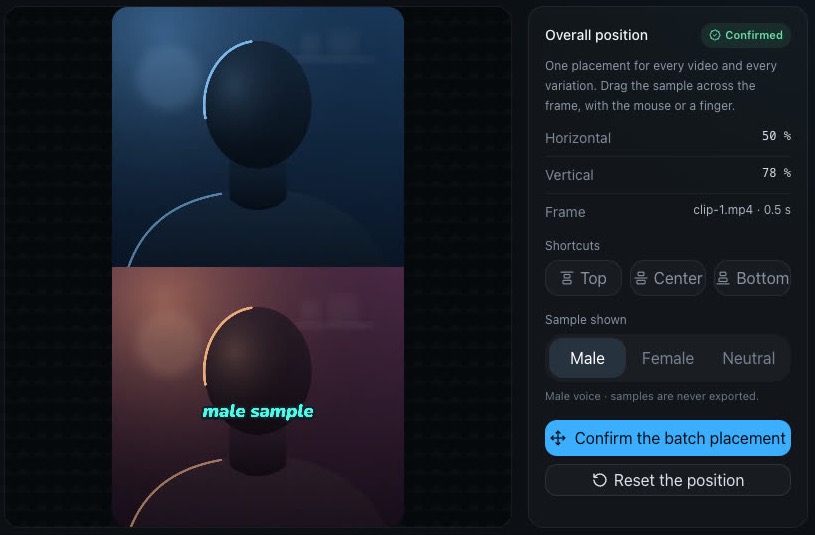
As many as you want: a whole folder or a ZIP. One style and one placement for the whole batch; a batch mixing vertical and horizontal gets a proportional position for each format.
Automatic detection by default (every sentence in its own language), or French / English forced. Speaker detection can be turned off for a single voice.
No: the styles rely on outline, shadow and glow, never on a box. That is what keeps captions readable without hiding the picture.
You fix the text at the check step; the fix is carried over to the timed words. Search and replace fixes a name across the whole batch at once.
Upload your SRT or VTT files with the videos: matched by name, they are burned in without a new transcription.
Sign-ups are opening soon.
Five steps, one setting for the whole batch
Upload, configure, transcribe, check, export. The chosen style and placement apply to every video in the batch.
1. Upload the batch
Several videos, a whole folder or a ZIP. You can also upload existing SRT or VTT files: matched by name, they skip transcription.
2. Choose the style and placement
Three styles — Neon conversation, Plain, Impact — or your own settings: font, size, outline, shadow, glow, case, one to four words at a time. Then Top, Center, Bottom, or free drag on the reference frame.
3. Transcribe, check, export
Deepgram transcribes (language detected automatically, or French / English). You fix the text, the timing, the speaker; filter uncertain lines; search and replace across the batch. Then the service renders the videos.