Four text kinds
Snapchat (translucent black band, Helvetica Neue), POV (“POV: …”, outlined TikTok Sans), POV TikTok (“pov: …” in lowercase, at the top) and plain Text. One file per chosen kind, a single analysis.
Upload your vertical videos. Clipfer transcribes, looks at a few frames, reads lips to know who is speaking, and suggests several captions per video — Snapchat band, POV, POV TikTok or a plain sentence. You choose, edit or type your own, adjust the position, and export the whole batch.
Sign-ups not open yet · opening soon
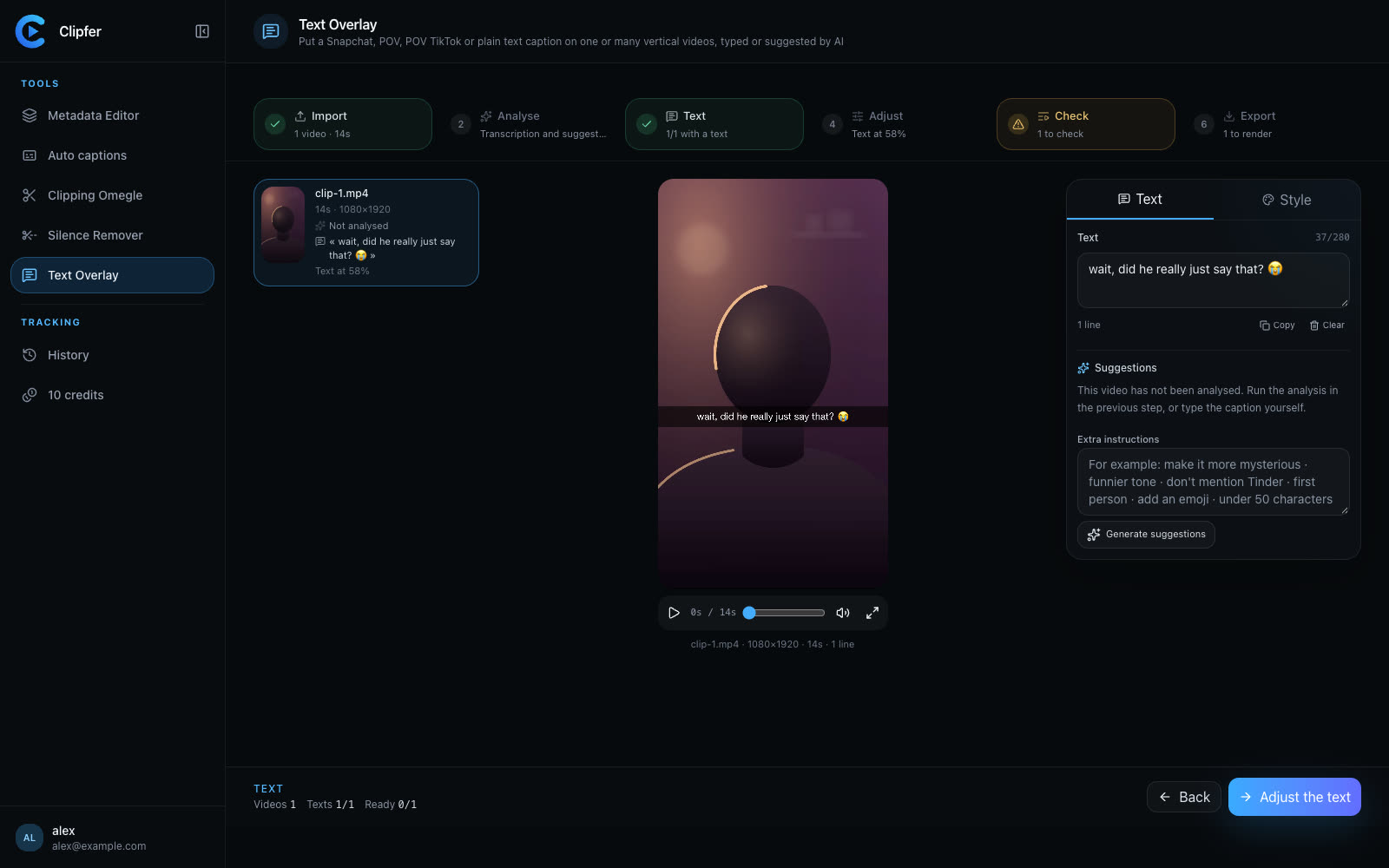
Snapchat (translucent black band, Helvetica Neue), POV (“POV: …”, outlined TikTok Sans), POV TikTok (“pov: …” in lowercase, at the top) and plain Text. One file per chosen kind, a single analysis.
Audio transcription, up to ten frames, and lip reading: the person on screen and the one off screen are told apart. Captions only tell what really happens.
Spoken language detected (or French / English forced): a suggestion in the wrong language is rejected. Each kind's format is enforced, no hashtag, ninety characters at most.
Same settings for all videos, or “Apply to N videos”. Variant, regeneration with new instructions, and hand-written text whenever you prefer.
The text is burned onto the original video, intact underneath, and the file comes out anonymised.
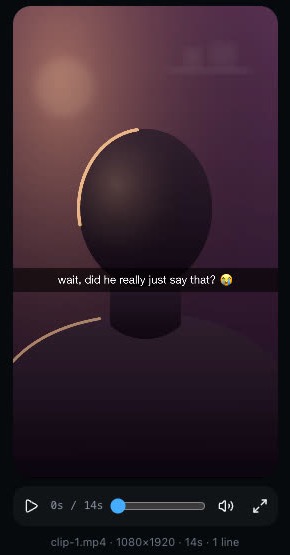
Snapchat, POV, POV TikTok and Text. You can pick several before the analysis: each video then gives one file per kind, for a single analysis.
No: it gets the transcript, a few frames and who is speaking, with the instruction to invent nothing. You review, and you always have the last word.
Yes, at any time: type it, or ask for a variant or a new series with your instructions. Two hundred and eighty characters at most.
The Snapchat render uses Helvetica Neue, which only exists on Mac and iPhone: that is where it renders. The POV and Text styles use TikTok Sans, available everywhere.
The audio goes to Deepgram for transcription, and up to ten reduced frames go to Anthropic (Claude) for analysis. The video stays in your private space.
Sign-ups are opening soon.
Six steps, from upload to export
Upload, analyse, text, adjust, check, export. The analysis is paid once per video and per text kind, then the render per minute.
1. Upload the videos
One or several vertical videos. Each video shows its length, its format and, once chosen, the caption kept.
2. Let the AI suggest, or write
Pick the text kinds, add instructions (“more mysterious”, “no Tinder”, “under 50 characters”), run the analysis. Five to eight suggestions per kind, sorted by angle: curiosity, situation, reaction, question, humour, first person. Or type your own text.
3. Adjust the position and style
The band or the text goes where you want — top, center, bottom, or to the percent —, with a warning if the text leaves the safe area. Size, line height, colours, outline, display time: set once for all videos, or video by video.
4. Check and export
Every video is checked before rendering. The text is drawn by the same engine as the preview, then burned in without touching the picture. Files come out with a neutral name.