Auto captions: why they keep viewers watching, and how to get them right
Sound off, accessibility, comprehension: captions keep people watching. The practices that matter (lines, fonts, speaker colours, timing) and how to caption a whole batch.
Captions are no longer something you add to training videos. On a phone, a talking video is often watched muted, and a viewer who cannot tell what is being said within two seconds moves on. Done well, captions make people stay; done badly, they get in the way. Here is what matters, and how to caption twenty videos in one go without losing a day.
Three reasons to caption every spoken video
The sound is often off. On public transport, in a meeting, in bed next to someone asleep: a large share of plays happen in silence. Without captions, your video is mute for those people.
Comprehension. A phone microphone, a room that echoes, two people talking over each other: even with sound on, words get lost. Text fills those gaps and spares the viewer from scrubbing back, which they will not do anyway.
Accessibility. Deaf and hard-of-hearing people are part of your audience. Accurate captions, with one colour per voice, make the conversation readable to them without effort.
The practices that make the difference
A caption should be read at a glance, without competing with the picture.
- Two lines maximum, and a single one if the video is fast. Beyond that, the eye has no time to finish before the next caption arrives.
- A bold font with an outline or a shadow, so the text stays readable over a bright background or a face.
- A few words at a time. Three or four words changing in rhythm with the speech read better than a whole frozen sentence.
- One colour per voice. As soon as two people talk, give each a colour: the viewer knows who is speaking without thinking about it.
- Placement. In the lower third of the frame, but above the area where the platform draws its caption field and buttons. Check on a phone, not just on a desktop screen.
- Timing. A caption appears as the word is spoken, not a beat before. A lag of a few tenths of a second is felt even when nobody can explain why.
And a point that often gets skipped: the transcript must be proofread. A misspelled first name or a word invented by speech recognition is noticed instantly and undermines the whole video.
Captioning a whole batch with Auto captions
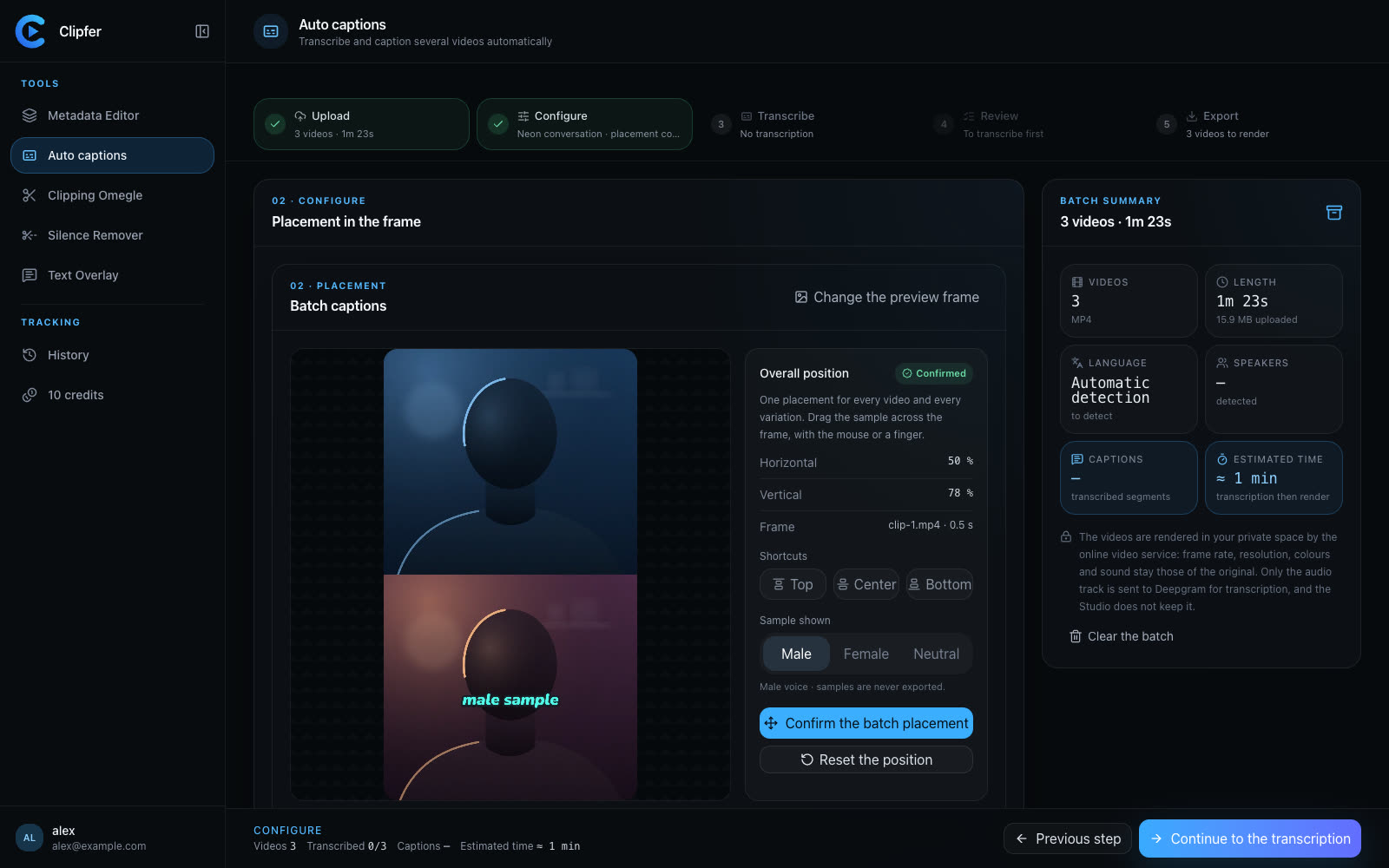
Captioning twenty videos one at a time in an editing suite takes an afternoon. Clipfer's Auto captions is built to handle a full batch in five steps: Import, Configure, Transcribe, Check, Export.
- Import. Drop your videos (MP4, MOV, M4V or WebM), a ZIP archive or a whole folder. Videos shot vertically and iPhone HDR sources are supported.
- Configure. Pick one style for the batch, for example "Neon conversation" (three words, a neon colour per voice, glow and outline), "Plain" (white, crisp outline, no animation) or "Impact" (one word at a time, very large). Place the captions on the frame and confirm the placement once for every video.
- Transcribe. Transcription is done by Deepgram, and only the audio track is sent. Voices are told apart so each speaker gets their colour.
- Check. This is the step that counts. Read through the transcript video by video, fix misheard words, names and punctuation. Every correction flows into the render.
- Export. Download the videos one by one or as an archive. Output files are anonymised: random names and cleaned metadata.
The render stays in your Clipfer account's History, synced across your devices: start a batch on your desktop and collect the files later from another machine.
What it costs
Auto captions use 1 credit per minute of video produced, transcription included. Every started minute counts, with a two-second grace: a 1 min 30 s video costs 2 credits, a one-minute phone video (often 60.04 s) costs 1. The tool shows the estimated cost before you launch the batch, and a failed render is refunded automatically. The full breakdown is in Understanding credits.
Check before you post
Before sending a video to Snapchat or TikTok, watch it once on your phone with the sound off. If you follow the story without effort, the captions are doing their job. If your eyes stay glued to the text at the expense of the picture, the style is too heavy: switch to a simpler font or fewer words per line. That habit takes thirty seconds and saves you a repost.
Going further
Related articles
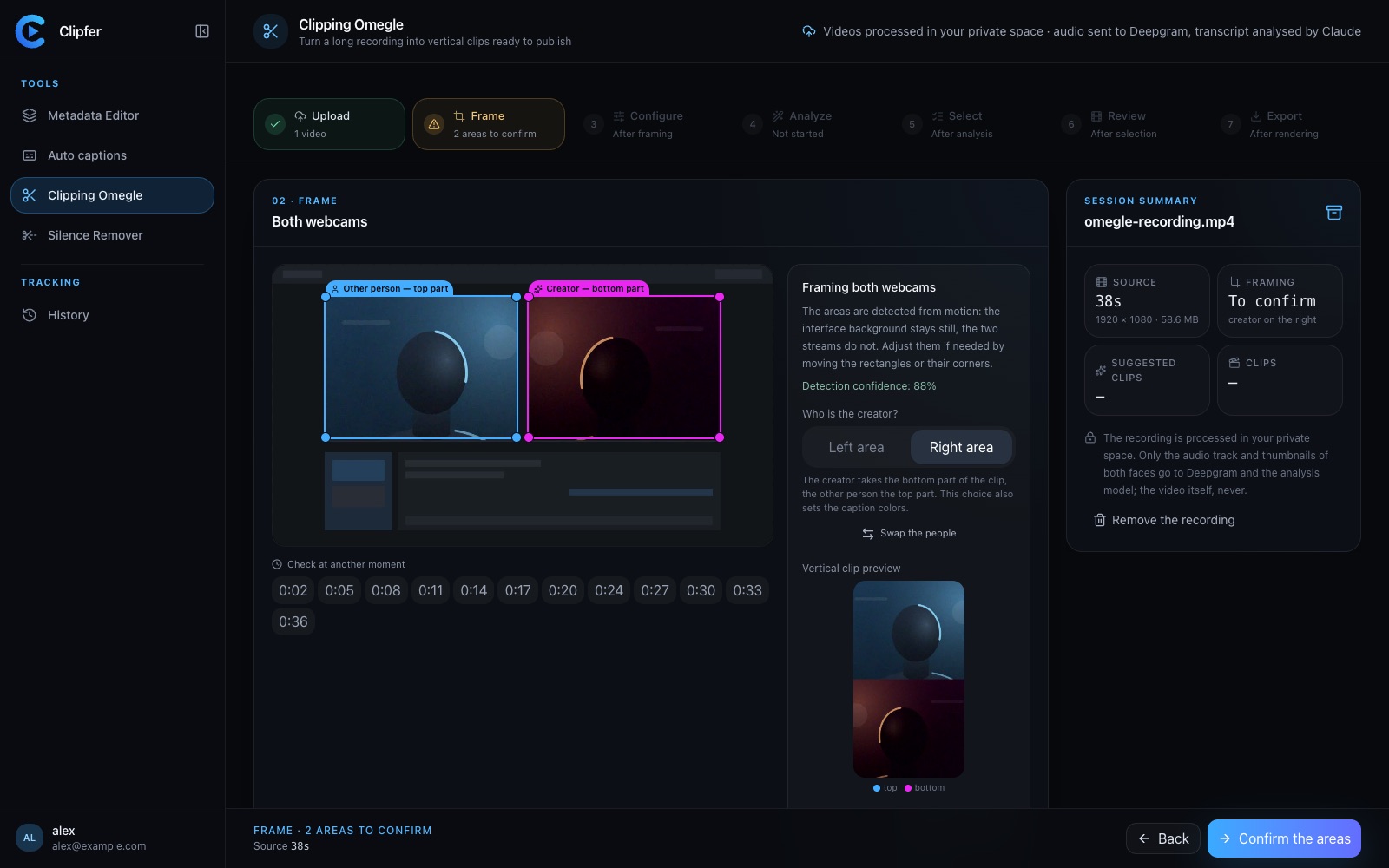
Clipping an Omegle or Ome.tv conversation: from a long recording to vertical clips
Spotting the right moments, choosing who goes on top in the two-webcam frame, captions, sound effects, the analysis models and their credit cost, and polishing in the clip editor.
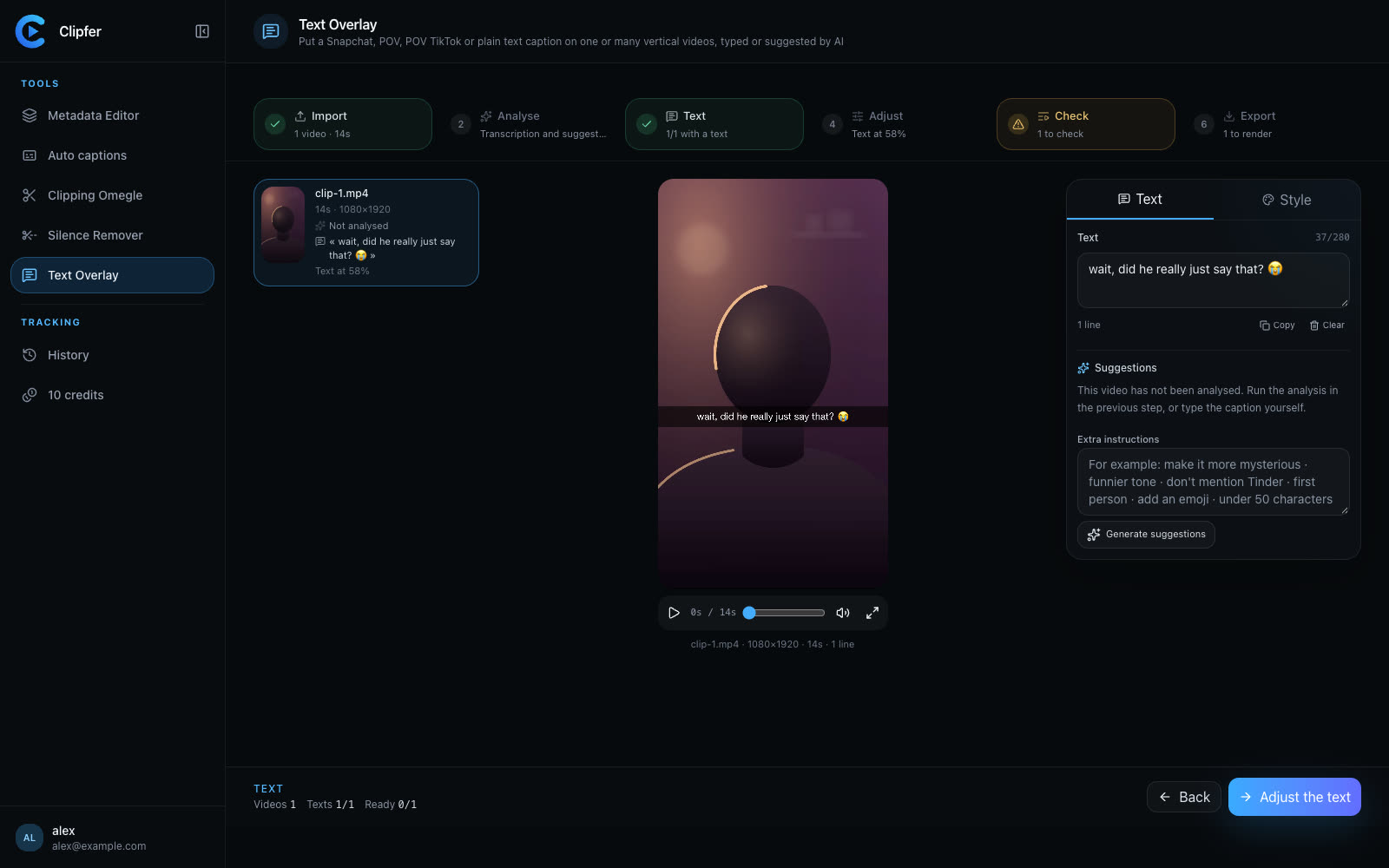
Vertical content in 2026: what actually works on Snapchat and TikTok
A hook in the first second, native on-screen text, captions, tight pacing and one recording reused across formats: the habits of growing Snapchat and TikTok accounts.
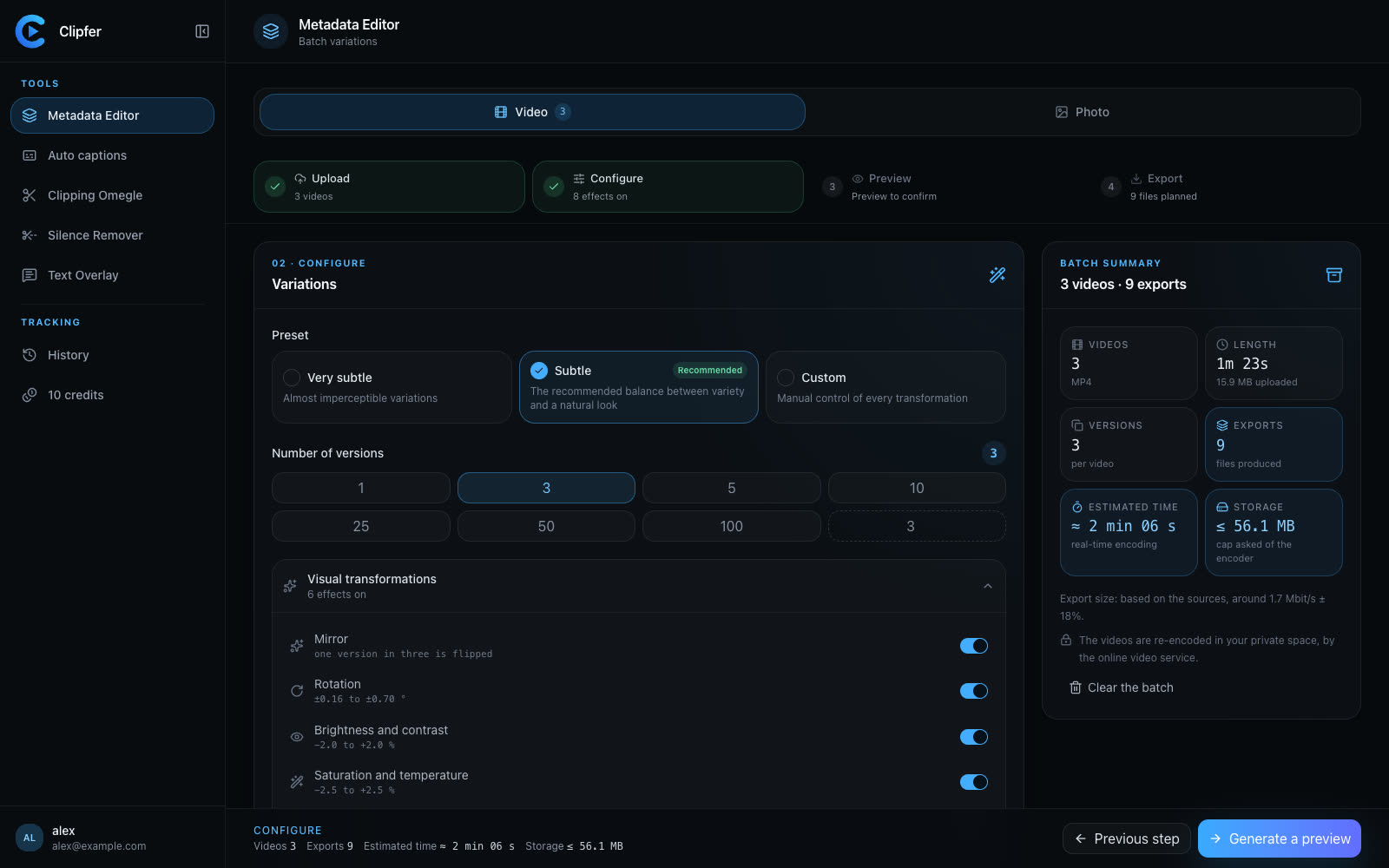
Agencies and OFM managers: running video production in weekly batches
For agencies and managers posting for several creators: weekly batches, folders, captions then variations from one recording, a shared history, and credits per plan.