Sound Effects and Reactions in Clips: Enough, Not Too Much
How to use sound effects and reaction cues in vertical clips without drowning the moment that actually made people watch.
Sound effects and reaction stingers can make a clip feel alive, but they can just as easily bury the thing that made the moment worth clipping in the first place. If every laugh gets an air horn and every pause gets a whoosh, viewers stop trusting the cues — and they stop reacting themselves, because the edit already did the reacting for them. The goal is restraint: effects should underline a moment, not replace it.
Why over-sauced clips underperform
A clip that layers sound effects on every beat tends to feel exhausting rather than exciting. Viewers on TikTok and Reels scroll fast, and their attention is already split. Adding constant audio stingers:
- Signals "this is funny" instead of letting the funny thing land on its own
- Makes the clip feel edited-for-virality rather than genuine, which some audiences actively dislike
- Masks real reactions (laughs, gasps, silence) that often carry more weight than an inserted sound
The irony is that creators add effects to boost reactions, but overuse often flattens them.
A simple rule: one effect per punchline
A practical guideline is to limit yourself to one sound cue per punchline or turning point in a clip, not per sentence. Ask before adding an effect:
- Does this moment need help landing, or does it already land on its own?
- Would removing this effect change how the clip feels?
- Am I adding this because it fits, or because I'm used to adding something here?
If a moment is already strong — a genuine laugh, a sharp cut, a reveal — it usually doesn't need reinforcement.
Where effects genuinely help
There are cases where a well-placed sound effect earns its place:
- Marking a hard cut between two unrelated topics, so the jump doesn't feel jarring
- Emphasizing a reveal or punchline that's visually subtle but narratively important
- Replacing dead air where a silence would otherwise feel like a mistake rather than a pause
In these cases, the effect is doing structural work, not decorative work.
Reaction cues from long recordings
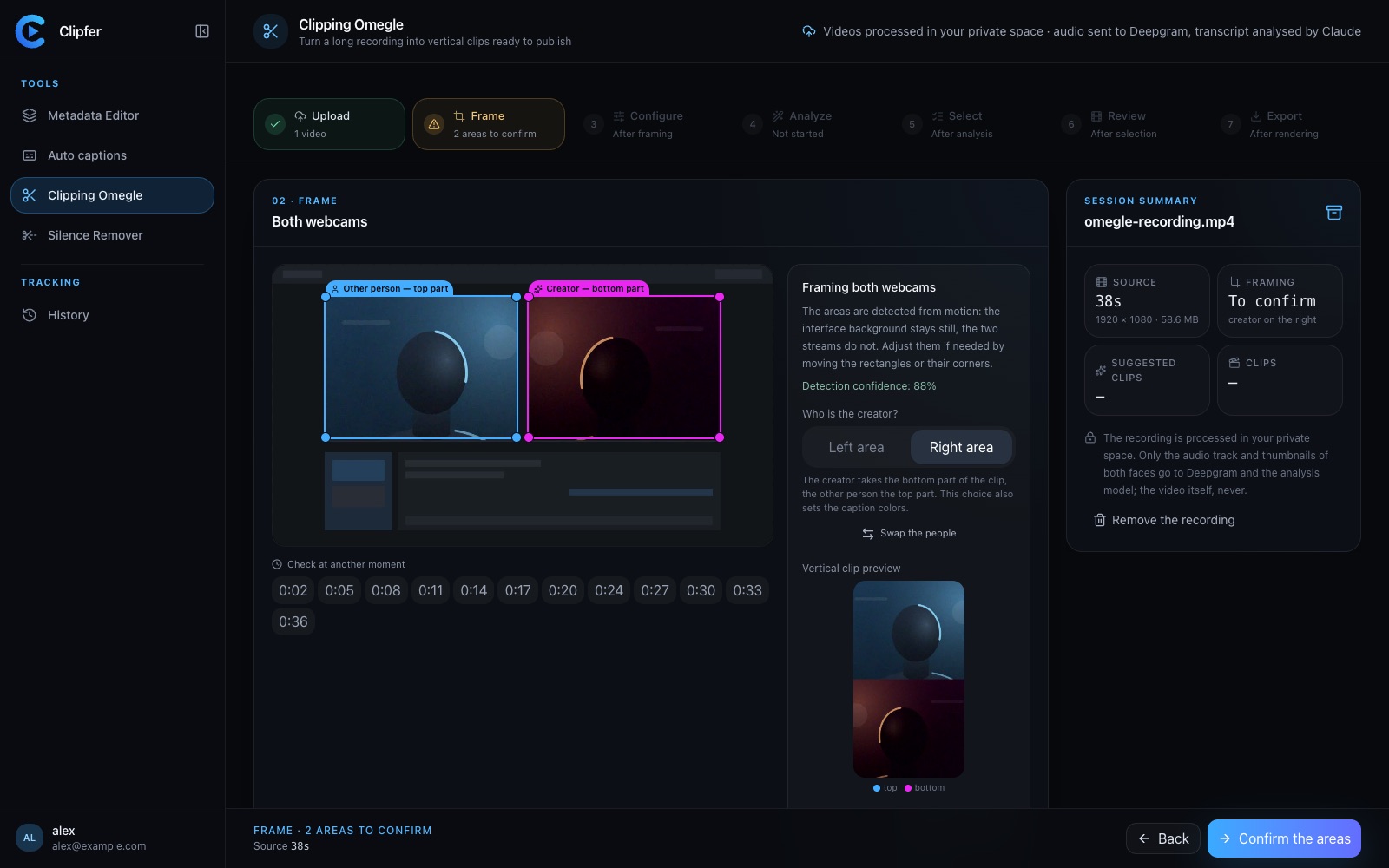
For creators working from long conversation recordings — Omegle/Ome.tv style formats, for example — the temptation to stack effects is even stronger because there's a lot of raw material and a lot of "dead" sections to fill. Clipfer's Clipping Omegle tool already analyzes long webcam-to-webcam recordings and proposes the passages worth keeping, cuts dead time, and can add sound effects automatically. The advantage of letting this happen at the editing stage rather than freehand is that the effects get tied to actual turning points the model identified, rather than sprinkled evenly across the timeline out of habit.
Checking the balance before publishing
Before exporting, it's worth watching a clip once with sound effects and once without. If the version without effects still makes sense and still carries the moment, the effects you add back should be there to sharpen specific beats, not to compensate for a weak cut. If the silent version feels empty, the problem usually isn't a lack of sound effects — it's the edit itself, meaning the clip boundaries need adjusting before any sound work happens.
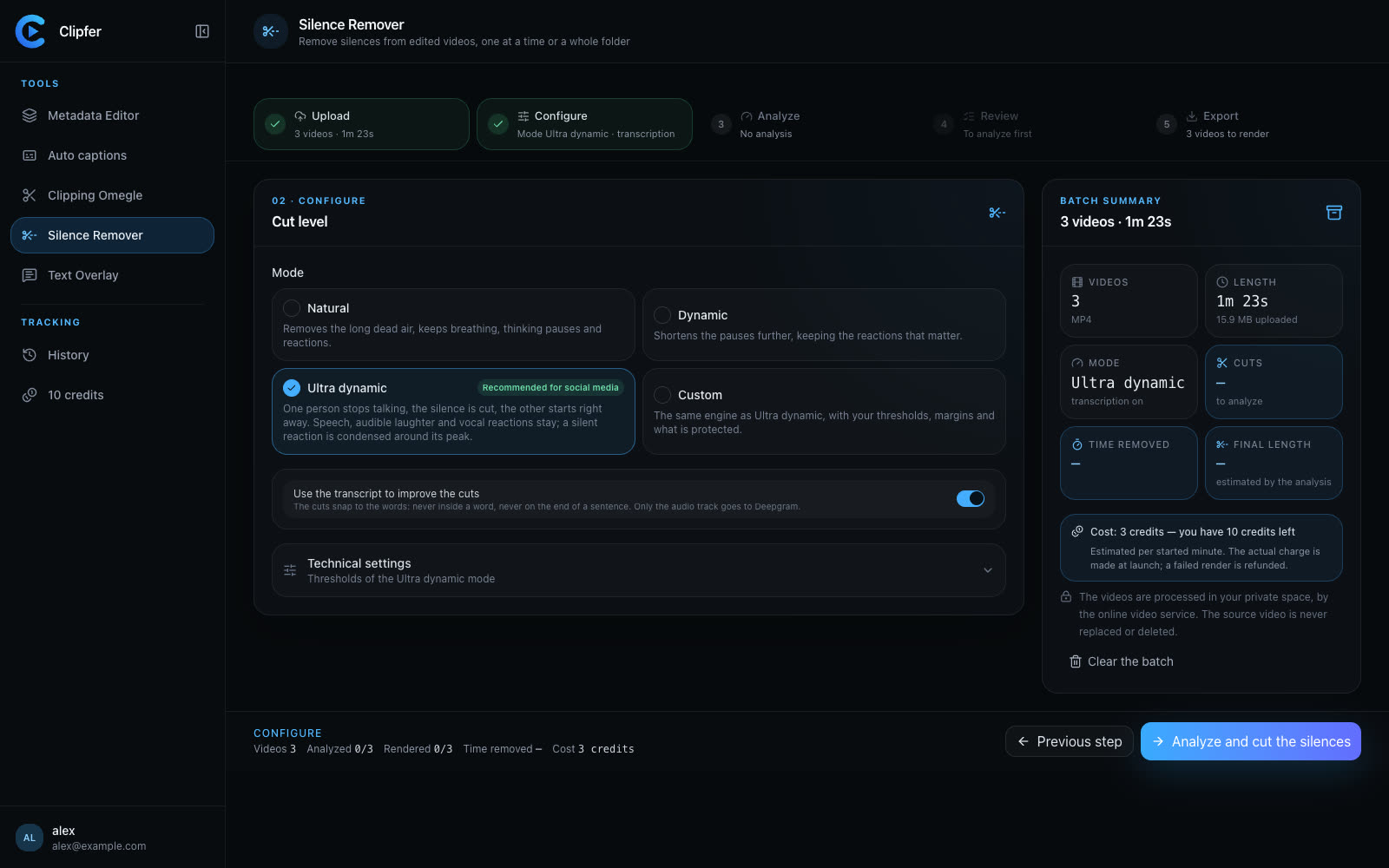
This is also where silence matters as an editing tool in its own right. A clean pause before a punchline, with no sound effect, can do more work than a stinger. Clipfer's Silence Remover is useful earlier in the pipeline, for trimming dead air in already-edited footage so that the remaining pauses are intentional ones, not leftover gaps from a raw recording.
Keeping it consistent across a batch
For managers and agencies producing clips at volume, consistency matters as much as individual judgement calls. If different editors apply sound effects differently, a channel's clips start to feel inconsistent in tone. Writing down a short internal rule — one cue per punchline, no effects on simple cuts, reserve stingers for genuine reveals — keeps a batch coherent even when multiple people are cutting.
Related resources
Related articles
Which Analysis Model for Which Recording? Choosing Clipping Omegle Settings
A practical guide to picking the right analysis depth for Clipping Omegle, balancing clip quality, processing cost, and recording length.
Clipping an Omegle or Ome.tv conversation: from a long recording to vertical clips
Spotting the right moments, choosing who goes on top in the two-webcam frame, captions, sound effects, the analysis models and their credit cost, and polishing in the clip editor.
Cutting silence: pacing a video without making it feel mechanical
Dead air, hesitations, breaths: what to remove, what to keep, how to set thresholds, and how to check the cuts across a whole folder before you export.