Filming With Your Phone: Framing, Sound, and Light Without Gear
Practical phone-filming basics for vertical creators: how to frame, capture clean audio, and light a scene without buying any gear.
Most vertical content lives or dies on three basics: framing, sound, and light. You don't need a gimbal, a ring light, or a lavalier mic to get these right. A phone and a bit of attention to habits will take you further than expensive gear used carelessly. This guide covers what actually matters before you even think about editing.
Framing that holds attention
Vertical video has less room to work with than landscape, so every frame decision counts more.
- Shoot in 9:16 natively instead of cropping later — you lose resolution and control when you crop after the fact.
- Keep the subject's eyes roughly in the upper third of the frame, not dead center.
- Leave a little headroom, but not too much — a sliver of empty space above the head looks intentional, a third of the frame being empty looks like a mistake.
- Avoid walking and talking unless you've practiced it — handheld movement reads as shaky rather than dynamic on a phone.
- If you're filming a conversation or an interview format, decide in advance whether you'll crop tighter later. Loose framing gives you more options when you get to editing.
Sound matters more than people think
Viewers forgive mediocre video more than they forgive bad audio. A blown-out or muffled voice makes people scroll away within seconds.
- Film in a room with soft surfaces — curtains, carpet, furniture — rather than bare walls, which bounce sound and create an echo.
- Keep the phone's mic within arm's length of your mouth whenever possible. Distance is the biggest enemy of clean audio.of
- Turn off fans, AC units, and anything humming in the background before you start.
- If you're recording outdoors, a slight breeze is enough to ruin a take — check wind before committing to a location.
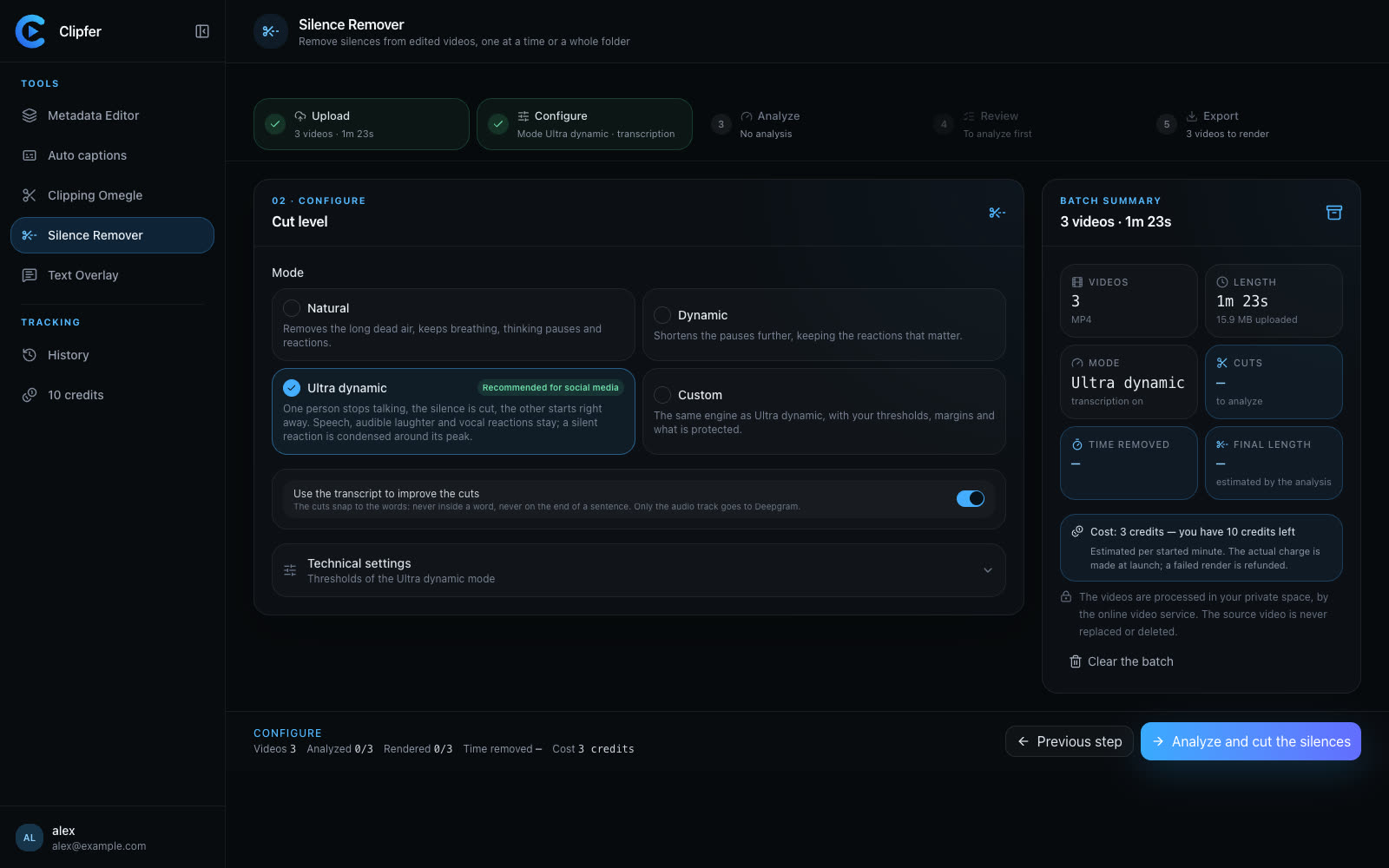
Once the footage is recorded, cleaning up pacing matters too. If your audio has long pauses or dead air between sentences, a tool like Clipfer's Silence Remover can tighten a whole folder of clips without you manually scrubbing through every file.
Light without buying anything
Good light is mostly about direction, not intensity.
- Face a window during the day instead of standing with it behind you — backlighting turns your face into a silhouette.
- Avoid direct, harsh sunlight on the face; it creates hard shadows under the eyes and nose. Soft, indirect daylight near a window is usually better.
- At night, a lamp pointed at a wall or ceiling (bounced light) looks far more natural than a lamp pointed straight at your face.
- Consistency across a shoot matters more than brightness. If you're filming multiple takes over an hour, light that shifts with the sun will create mismatched clips when you edit them together.```}
Shooting in batches
If you're producing a volume of vertical content — for an agency, a brand account, or a podcast clip strategy — filming in batches saves time but adds risk: inconsistent framing, audio drift, and light changes across a session.
- Lock your framing and distance from the camera before the first take, and don't adjust it between clips.
- Do a short audio test clip before a long batch session, not after.
- Group takes by lighting condition rather than by topic, so you're not jumping between a window-lit setup and a lamp-lit one every few minutes.
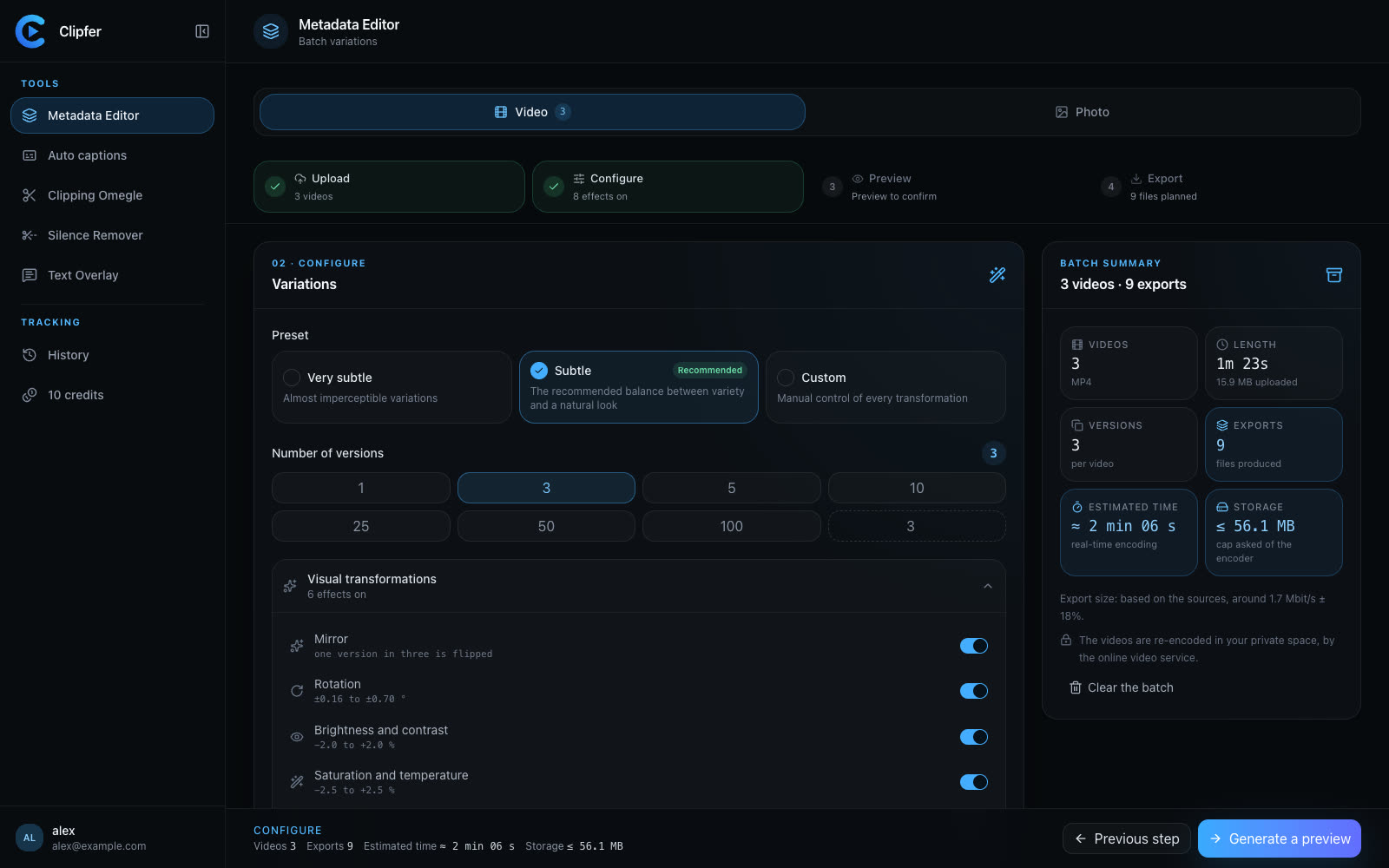
Once you've got a batch of raw clips, the editing side can take over. If you're producing variations for multiple accounts from the same footage, Clipfer's Metadata Editor handles the technical cleanup — stripping metadata and giving each version a unique fingerprint — so you're not doing that manually file by file.
Captions still matter even with good sound
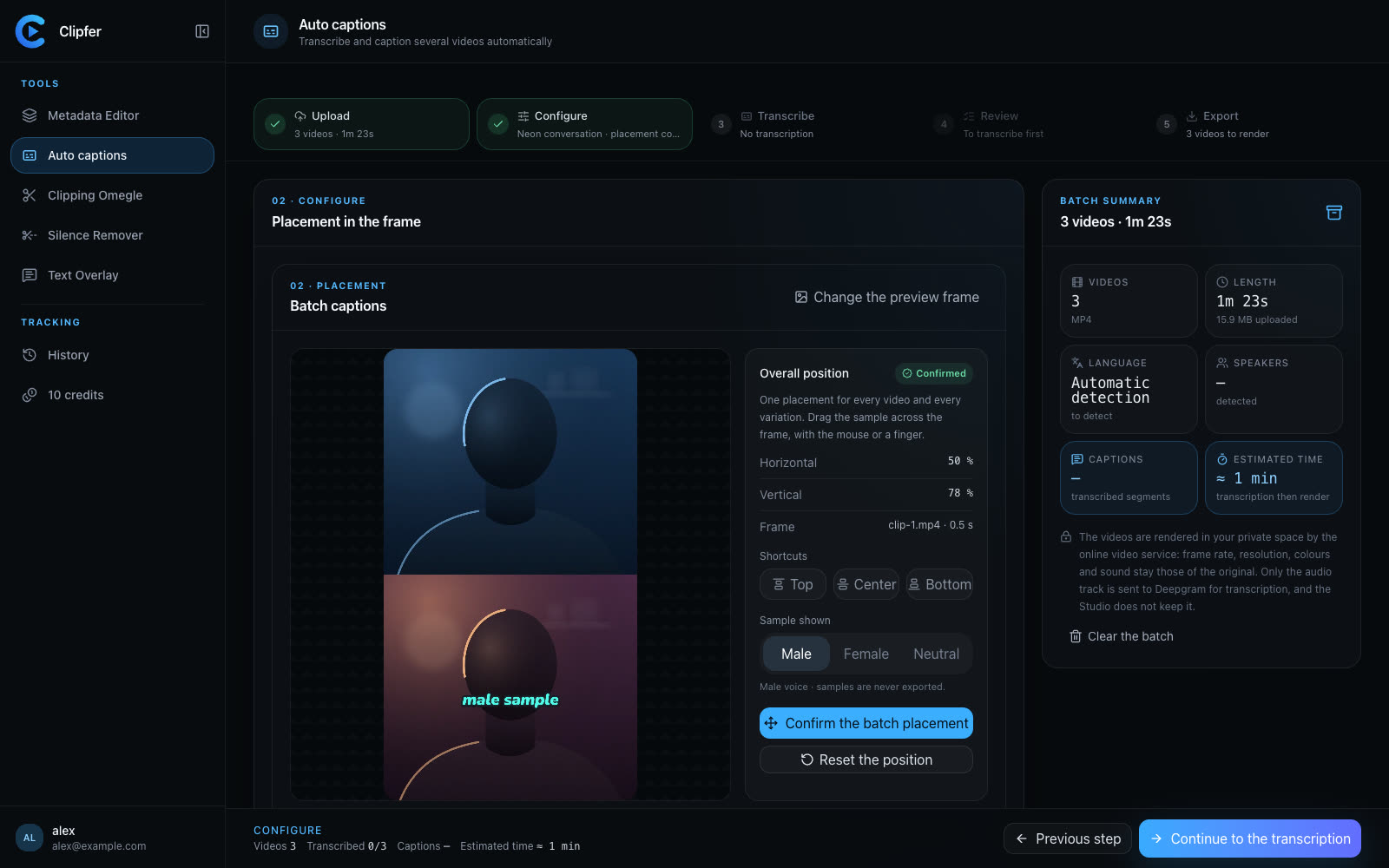
Many viewers watch with sound off, especially on first scroll. Even well-recorded audio needs captions to actually land. Clipfer's Auto captions tool transcribes and styles captions automatically, and you can go back and correct the transcription if a word or name gets misheard.
Going further
If you're turning raw footage into finished vertical clips, these guides walk through the next steps:
Related articles
Quality Checks Before Publishing: The List Every Clip Should Pass
A practical pre-publish checklist for vertical clips, podcasts, and bulk uploads so you catch problems before your audience does.
Jump Cuts Nobody Notices: Pacing Tricks for Vertical Video
How to tighten vertical videos with invisible jump cuts that keep pacing tight without breaking the viewer's flow.
One Shared History for the Whole Team
How agencies and managers keep track of batches, versions, and clients without losing files across team members and tools.