One Shared History for the Whole Team
How agencies and managers keep track of batches, versions, and clients without losing files across team members and tools.
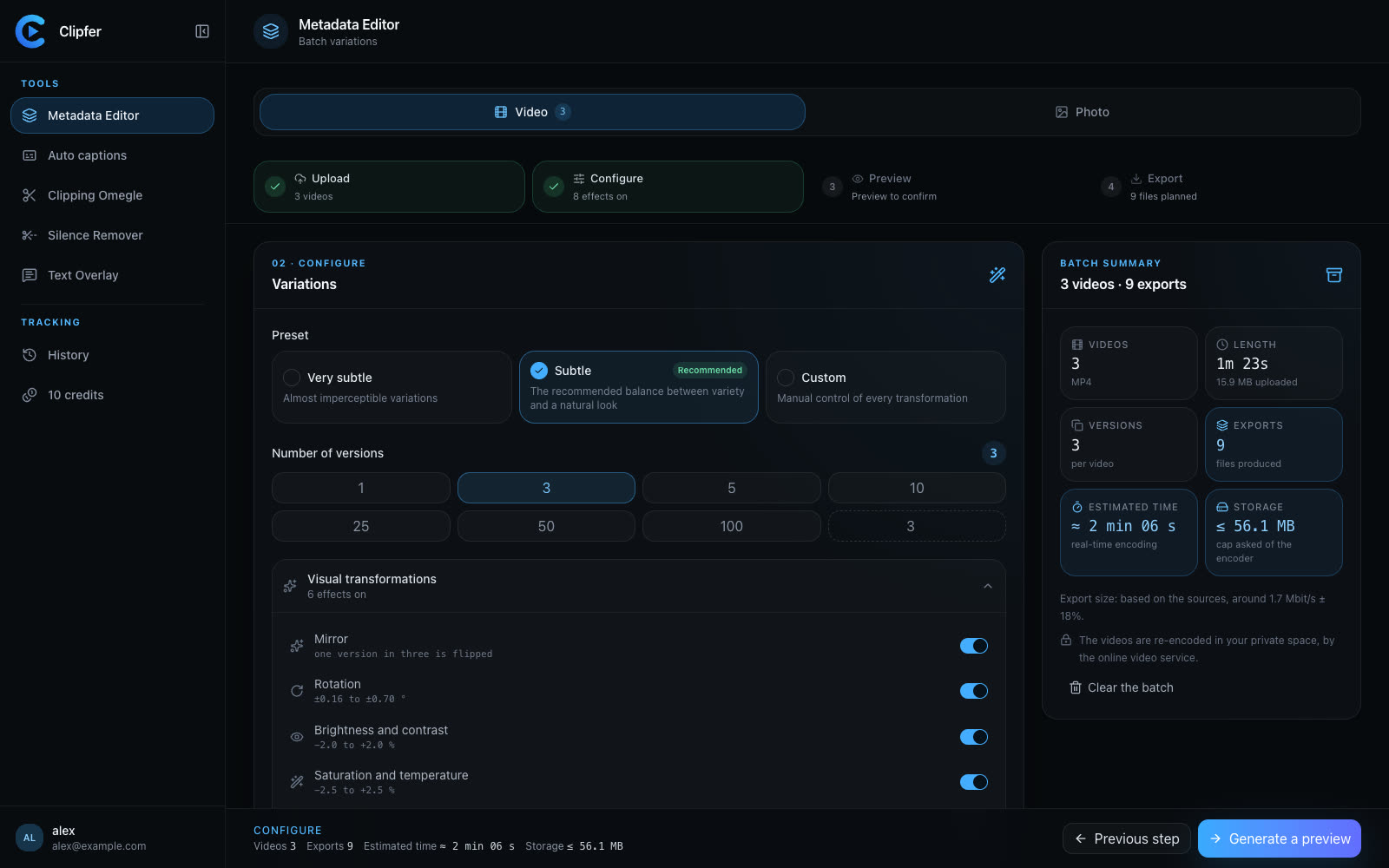
When several people touch the same videos, in the same week, for the same client, things get messy fast. One editor runs a batch through Auto captions, another applies Text Overlay to a different set of clips, a manager needs to check which version went to which account. Without a shared place to see all of this, teams end up asking each other "did you already process this folder?" in chat threads that nobody reads twice. A shared history isn't a nice-to-have for agencies — it's what keeps a team from duplicating work or, worse, sending out the wrong version.
Why individual histories break down
If each person tracks their own exports — on their desktop, in a spreadsheet, in their memory — a few things go wrong as volume grows:
- Nobody has the full picture of what's been done to a given folder of raw footage.
- Versions multiply: v1, v2, final, final_v2, and nobody agrees on which one is live.
- When someone leaves or is out sick, their work becomes a black box.
- Clients ask for a re-export and the team has to guess which settings were used.
This is exactly the kind of friction that slows down agencies managing dozens of accounts, or managers juggling output for several creators at once.
What a shared history should give you
At minimum, a team needs to see, for every project:
- What was imported, and when.
- Which tool was applied — Auto captions, Video Clipping, Silence Remover, Mix, and so on.
- How many versions exist, and what distinguishes them.
- Who can access the output files, and from where.
In Clipfer, this lives in My projects, synced to the account rather than to one person's machine. That means a manager can open the project from any device, see what a teammate ran overnight, and pick up the next step without a status meeting. For agencies, this single point of truth matters more than any single tool in the chain — it's what prevents the same raw folder from being processed twice by two different people.
Versions without chaos
Agencies often need multiple variations of the same base content — different caption styles for different platforms, or several Text Overlay treatments for A/B testing. The Mix tool is built for exactly this: run it on a full batch, and it distributes auto captions, Snapchat-style text, POV, POV TikTok, or plain Text Overlay across the videos, one folder per version, with a different mix each time. Instead of five people manually deciding who does what, the batch produces several ready-to-review folders in one pass, and everyone on the team can trace which folder is which.
If metadata cleanup needs to happen before the creative pass — for instance to avoid duplicate fingerprints across accounts — the Metadata Editor can run first, then Mix takes over. That order stays visible in the project history too, so nobody has to ask which step came first.
Credits as a team resource, not a personal one
When several people share an account, credits stop being an individual budget and become a team resource. This is where plan choice matters: the Agency plan at 149 €/month for 2,000 credits is built for exactly this kind of shared consumption, with the option of -25% if billed annually. A pack of 100 credits at 15 € can cover a one-off spike without changing the whole subscription. Keeping an eye on credit usage per project, rather than per person, helps a manager spot which clients or formats are eating the budget — information that's much easier to extract when everything sits in one history.
Keeping outputs clean across the team
One detail agencies sometimes overlook: output files are anonymized by default — random names, cleaned metadata. This matters when several team members export from the same project; nobody is left wondering whose device or account a given file came from, because the file itself doesn't carry that trace. It's a small thing, but it removes a whole category of "who exported this" questions.
Getting the team set up
A shared history only works if the account structure is right from day one and if everyone knows where to look when something changes.
Related articles
Agencies and OFM managers: running video production in weekly batches
For agencies and managers posting for several creators: weekly batches, folders, captions then variations from one recording, a shared history, and credits per plan.
Quality Checks Before Publishing: The List Every Clip Should Pass
A practical pre-publish checklist for vertical clips, podcasts, and bulk uploads so you catch problems before your audience does.
Captioning a Video in a Language You Don't Speak
A practical workflow for adding accurate captions to footage in a language you don't understand, without guessing or mistranslating.