Captioning a Video in a Language You Don't Speak
A practical workflow for adding accurate captions to footage in a language you don't understand, without guessing or mistranslating.
Captioning footage in an unfamiliar language sounds intimidating, but it's a common situation for agencies managing multi-market accounts, podcasters interviewing international guests, or creators repurposing clips sourced from abroad. The good news: you don't need to speak the language to produce clean, usable captions. You just need the right order of operations and a healthy dose of verification.
Start with an automatic transcription
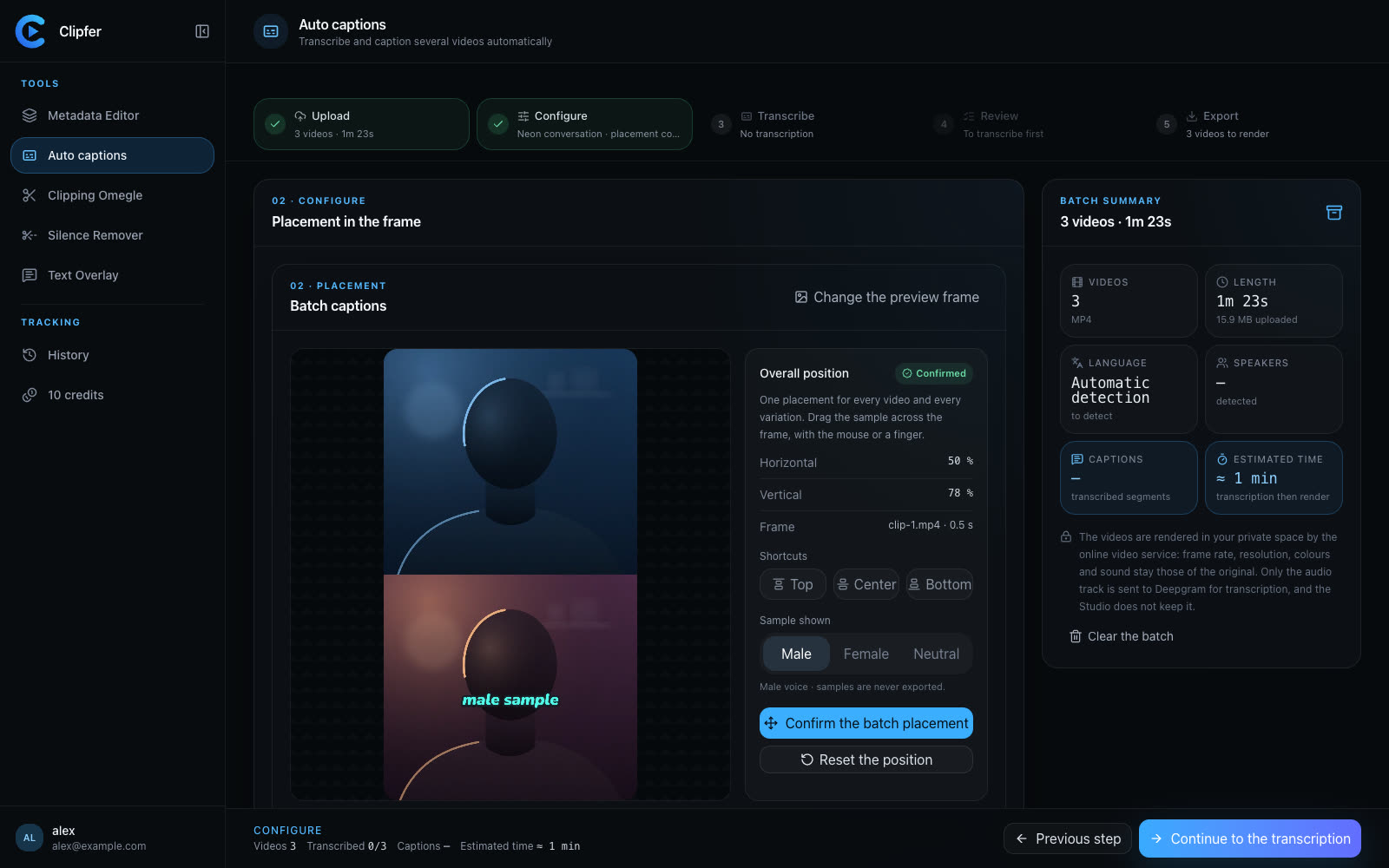
Don't try to caption by ear. Even native speakers mishear things; you definitely will mishear a language you don't know. Run the audio through an automatic transcription tool first. Clipfer's Auto captions feature uses Deepgram to generate a transcript and timed captions directly from the audio track, which gives you a structured starting point instead of a blank page.
This step matters even more here than usual: when you can't judge by listening whether a sentence sounds right, you need a system that at least gets the timing and word boundaries correct, so your corrections stay targeted.
Separate transcription accuracy from translation accuracy
Two different problems live inside one caption: did the tool transcribe the right words, and are those words correctly understood in context? If you don't speak the language, you can only reliably check the first problem yourself, by listening for obvious mismatches in rhythm, names, or numbers that don't line up with what's on screen.
For the second problem, find someone who speaks the language, even briefly, to confirm meaning on a sample of the video rather than every line. Spot-checking is usually enough to catch systematic errors such as a mistranslated recurring term, a misheard name, or a tone issue (formal vs. casual register) that changes how the whole video reads.
Correct the transcription before styling anything
Once you have feedback, fix the transcript text itself before moving on to caption design. Changing wording after you've already applied styles, colors, or animations means redoing work. Clipfer lets you correct the transcription directly, so you can lock in accurate text first and layer the visual treatment afterward.
A few things worth checking specifically in a foreign-language transcript:
- Proper nouns (names, places, brands) are often where automatic transcription struggles most, and they're also the easiest thing a non-speaker can flag visually, since they usually look wrong even without understanding the sentence.
- Numbers and dates, which carry meaning regardless of language and are worth triple-checking.
- Repeated words or phrases that seem to appear identically across different speakers, which can indicate a transcription artifact rather than something the speaker actually said.
Use color-coding to track multiple speakers
If the video involves more than one speaker, and especially if you don't speak the language, visual cues become essential for quality control. Assigning a distinct caption color per voice helps you confirm that lines are attributed to the right person just by watching the video, without needing to understand the dialogue. This is also useful for your audience, since multi-speaker captions in an unfamiliar language can get confusing fast without a visual anchor.
Decide what to keep in the original language
Not every caption needs full translation. Depending on the content, you might:
- Caption in the original language only, for audiences who understand it.
- Translate fully, when the goal is cross-market distribution.
- Keep names, slang, or culturally specific terms untranslated with a brief gloss, when a literal translation would lose meaning.
This decision should come before you finalize styling, since it affects caption length and timing, particularly if translated text runs longer than the original.
Build in a final review pass
Before publishing, do one more pass focused purely on readability: are captions on screen long enough to read, do line breaks fall in natural places, and does the pacing match cuts in the video. This is a check anyone can do regardless of language, and it catches issues that are easy to miss when you're focused on accuracy earlier in the process.
If you're clipping longer recordings in a foreign language, such as interviews or conversations, it's worth getting your source material trimmed down before you caption, so you're not transcribing footage that won't make the final cut.
For more on the caption workflow itself, see fixing a transcription and captioning a video in three minutes. If you're working from long recorded conversations before captioning, decoupling an Omegle conversation into clips is a useful earlier step in the pipeline.
Related articles
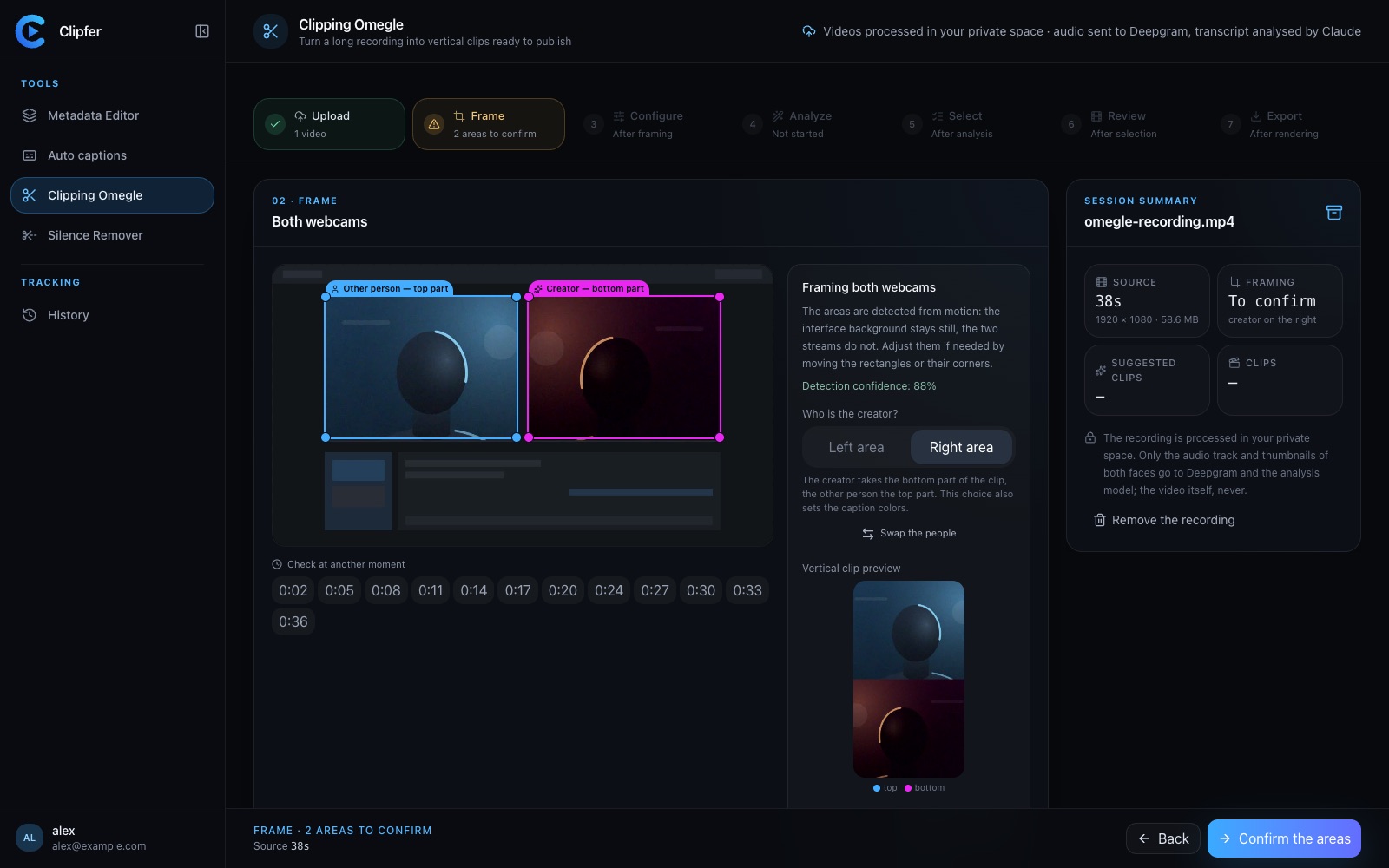
Sound Effects and Reactions in Clips: Enough, Not Too Much
How to use sound effects and reaction cues in vertical clips without drowning the moment that actually made people watch.
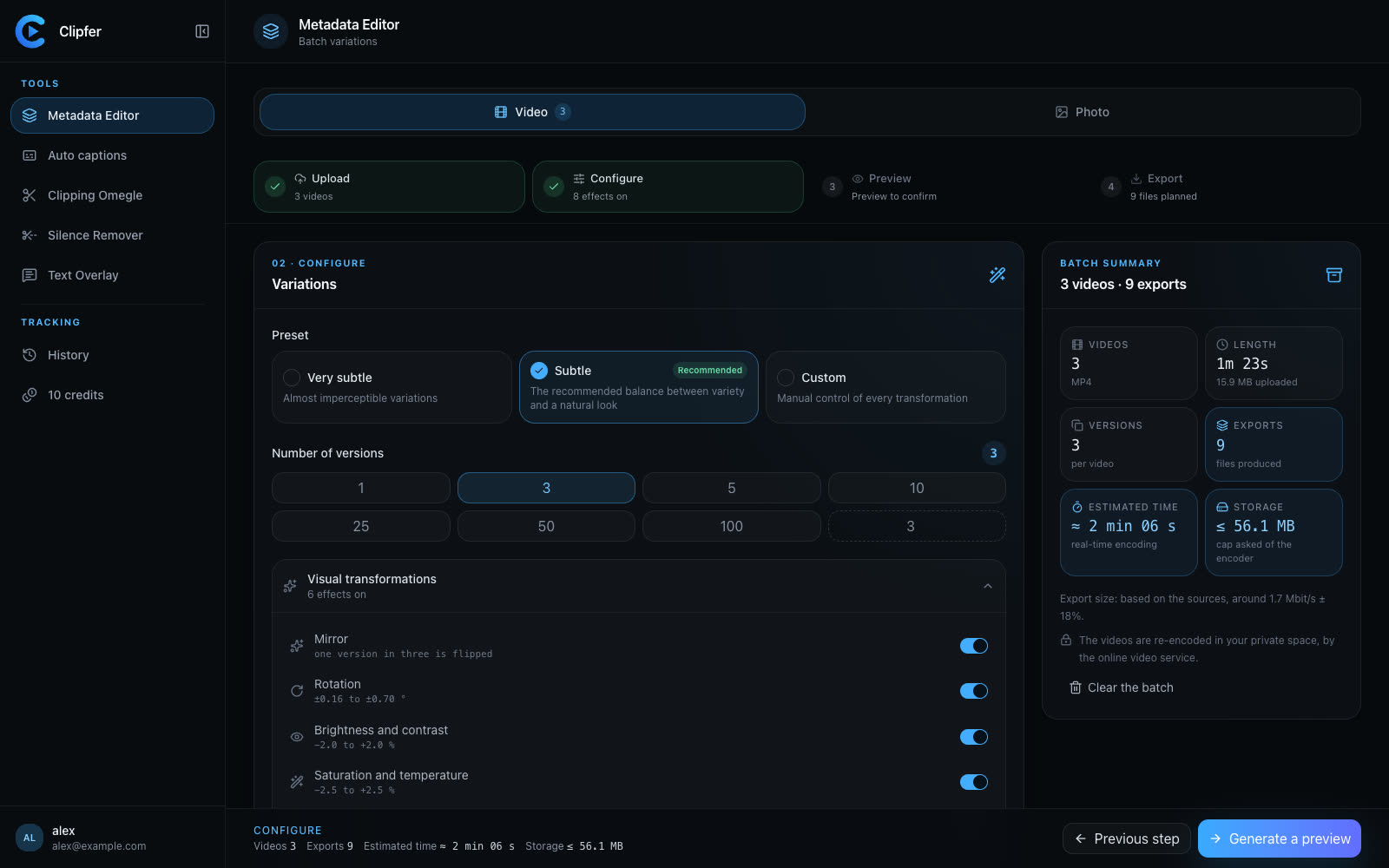
Agencies and OFM managers: running video production in weekly batches
For agencies and managers posting for several creators: weekly batches, folders, captions then variations from one recording, a shared history, and credits per plan.
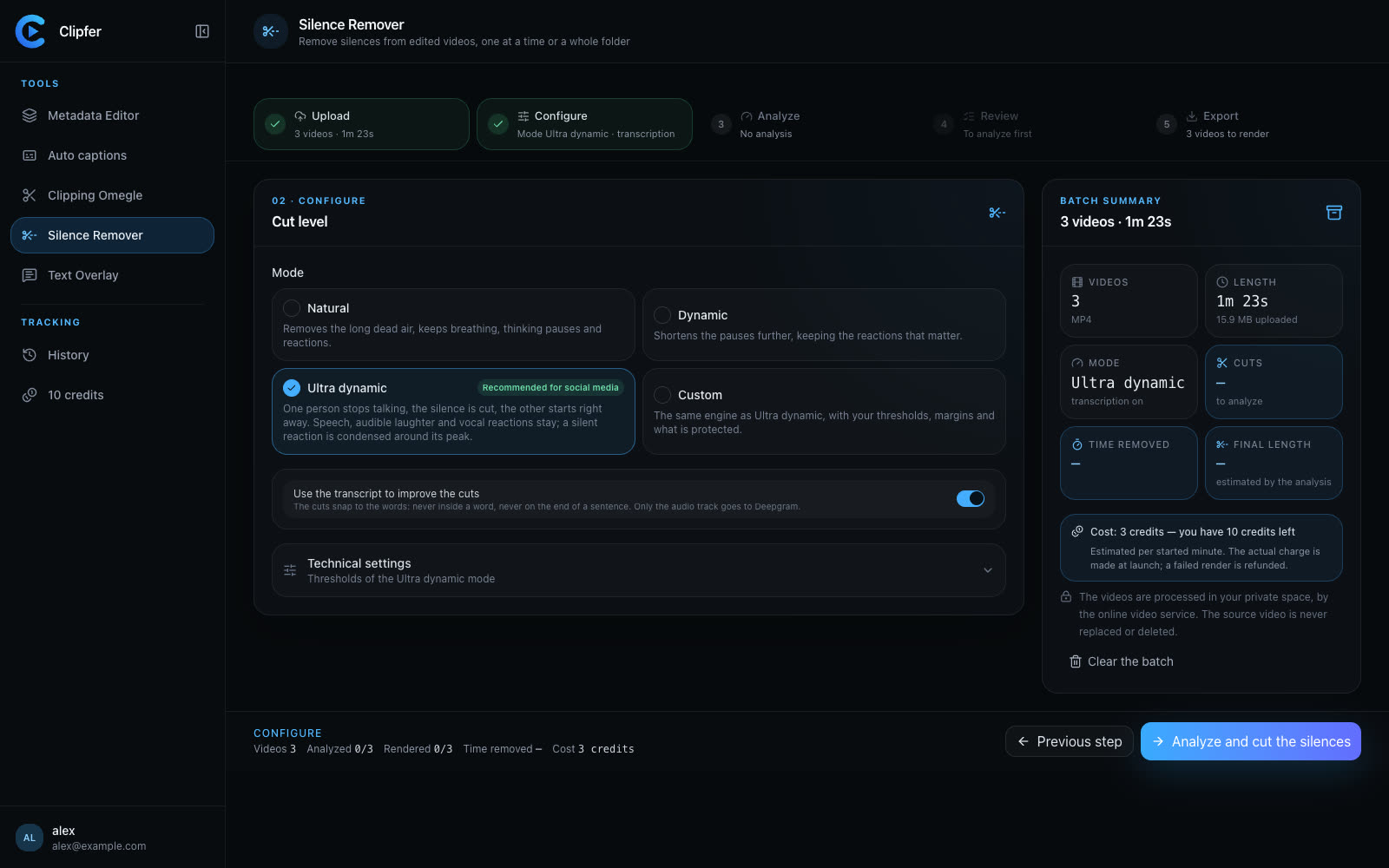
Cutting silence: pacing a video without making it feel mechanical
Dead air, hesitations, breaths: what to remove, what to keep, how to set thresholds, and how to check the cuts across a whole folder before you export.