Cleaning Up a Video Podcast Before Clipping It
Why trimming dead air from your raw podcast recording first makes every downstream clip tighter, faster to edit, and easier to repurpose.
Long-form video podcasts are rarely clip-ready straight out of the recording. Between guest hesitations, technical pauses, and the natural lulls of conversation, a raw episode often carries minutes of dead air that do nothing for the viewer. If your plan is to pull short vertical clips for social media afterward, cleaning the source file first changes how that whole process feels — fewer awkward gaps to scrub past, faster scanning for good moments, and clips that already feel punchy before you've touched a caption or a cut.
Why silence hurts clipping workflows
When you're hunting for a 30 to 60 second moment inside a 90 minute recording, silence is friction. It slows down scrubbing, makes waveforms harder to read, and tempts you into clipping segments that still include a few seconds of someone clearing their throat or waiting for a thought. A cleaner base file means:
- Faster navigation when scanning for highlights
- Clips that start and end on actual speech, not silence
- Less manual trimming once a clip is pulled
Removing silence before you clip
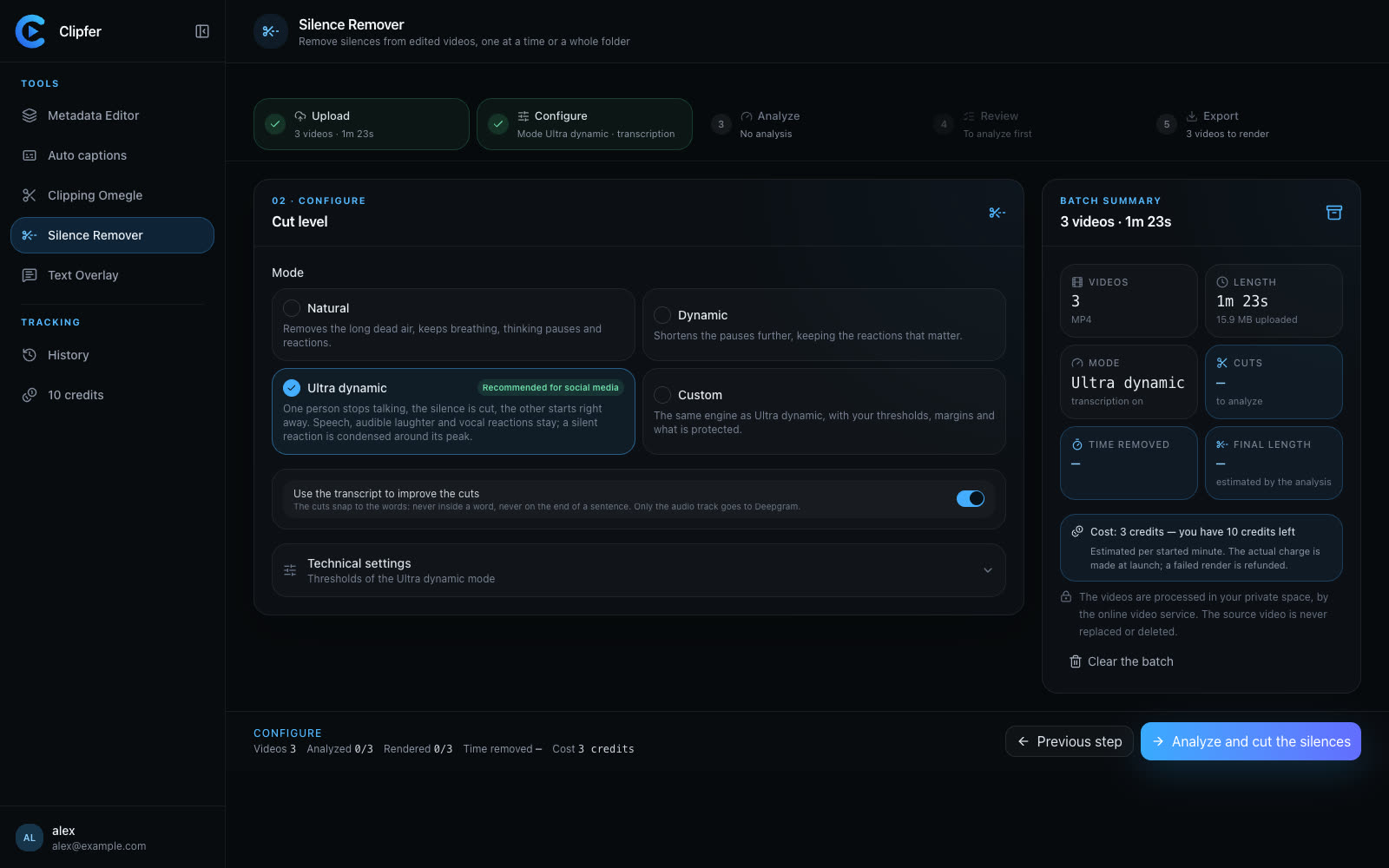
Rather than manually cutting out every gap by hand, a silence remover tool can process the whole file — or a full folder of episodes — at once. This is where Clipfer's Silence Remover is useful for podcasters specifically: it accepts an already-edited video and strips the blank stretches without needing a timeline edit for each one. For teams handling multiple episodes a week, running a batch through this step before clipping saves a noticeable amount of manual scrubbing.
What to check after silence removal
Silence removal isn't purely mechanical — a few checks matter before you move to clipping:
- Pacing: make sure cuts don't feel abrupt between speakers taking turns
- Natural pauses: some pauses are intentional (a dramatic beat, a reaction) and worth keeping
- Audio sync: confirm audio and video stay aligned after cuts, especially on multi-camera recordings
A quick pass through the result before clipping avoids carrying an editing mistake into every clip you pull afterward.
From clean podcast to clips
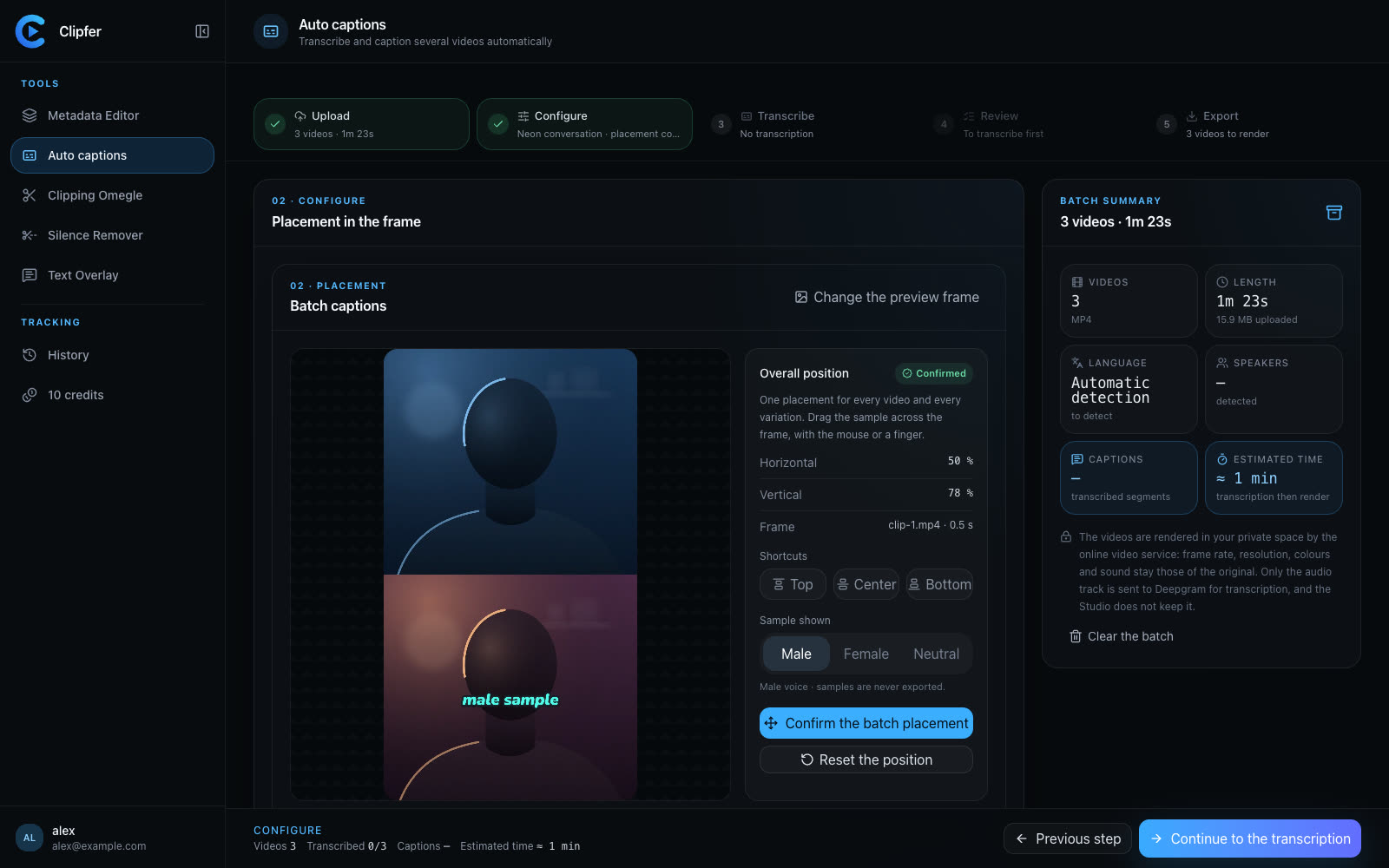
Once the episode is tightened, the actual clipping becomes much more straightforward. If you're pulling short vertical segments, a dedicated video clipping tool can help identify candidate moments and format them correctly for platforms like TikTok or Reels, rather than manually cropping and reframing each one. Subtitles are often the next step too — auto captions generated from the audio track save time compared to typing out a transcript by hand, and they can be corrected afterward if a name or term was misheard.
Keeping it organized across episodes
If you're clipping podcasts regularly, keeping track of which episode has been cleaned, clipped, and captioned matters as much as the editing itself. Using My projects to keep each episode's assets together — raw file, cleaned version, exported clips — avoids the common mess of scattered folders and duplicate exports when you're working through a backlog of recordings.
Where to go next
Related articles
Cutting silence: pacing a video without making it feel mechanical
Dead air, hesitations, breaths: what to remove, what to keep, how to set thresholds, and how to check the cuts across a whole folder before you export.
Following Trends Without Losing Your Voice
How to ride TikTok and Reels trends fast while keeping a recognizable style, with a workflow that scales across batches of clips.
Captioning a Video in a Language You Don't Speak
A practical workflow for adding accurate captions to footage in a language you don't understand, without guessing or mistranslating.