Following Trends Without Losing Your Voice
How to ride TikTok and Reels trends fast while keeping a recognizable style, with a workflow that scales across batches of clips.
Trends move fast, and chasing every one of them can flatten a creator's identity into a blur of templates. The real skill is not spotting trends first, it's adapting them to a voice your audience already recognizes. That means thinking about pacing, captions, text style and even file metadata as part of your signature, not just the hook or the sound.
Separate the trend from the template
A trend is usually a format: a sound, a camera move, a caption style. The template is how everyone else executes it. You can follow the format without copying the template by keeping consistent choices across videos:
- A recognizable caption style (color, font, placement) instead of whatever the trend defaults to
- A fixed intro rhythm or transition you reuse regardless of the trend
- A consistent tone of voice in on-screen text, even when the trend format changes
This is where small repeated details matter more than big creative swings. Viewers remember texture, not just content.
Keep captions consistent even when trends change
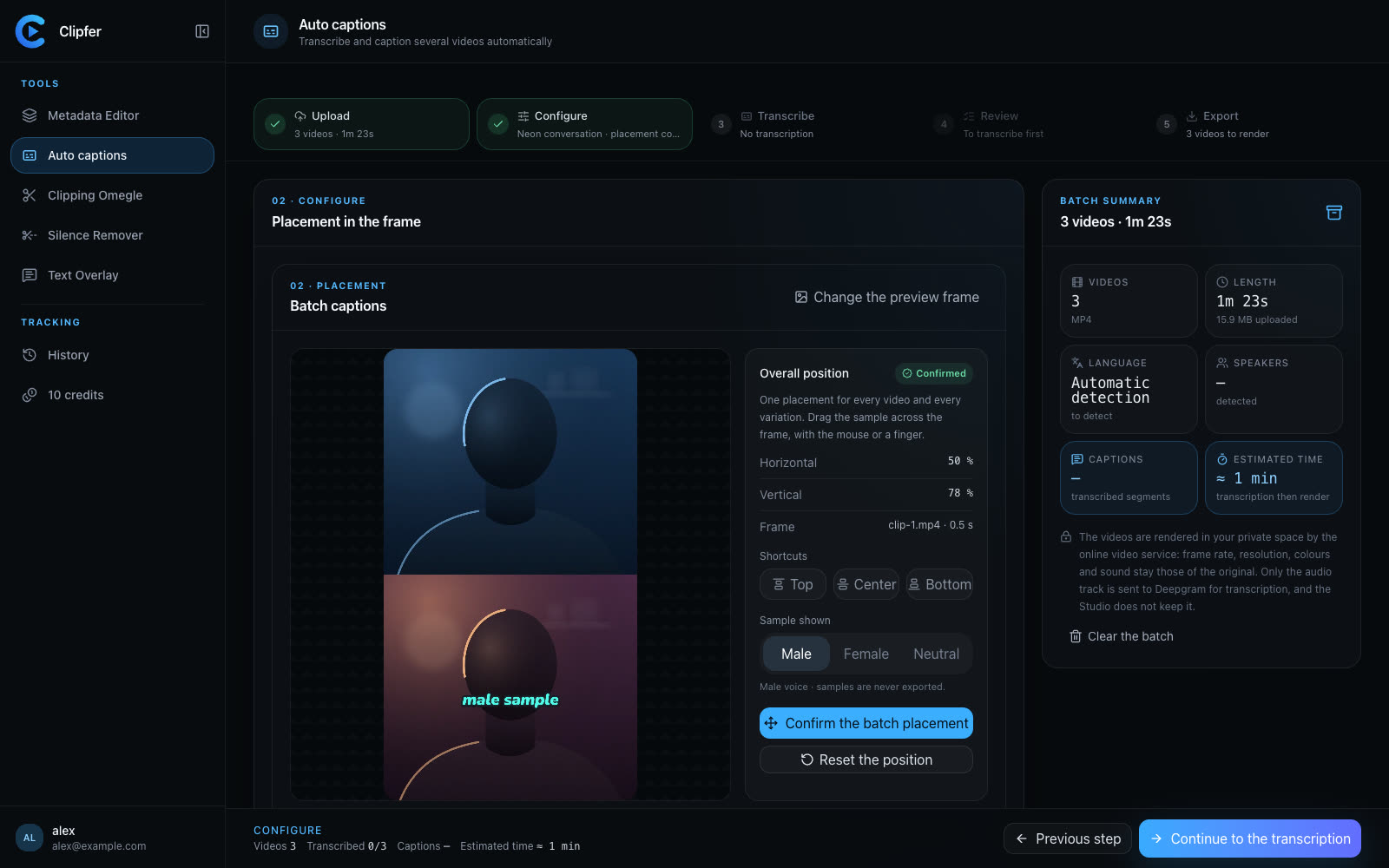
If you switch between talking-head trends, voiceover trends, and silent POV formats, your captions are often the only thread tying your content together visually. Using the same caption style, color coding for different speakers, and correction pass on the transcript keeps your channel feeling like one creator instead of ten random trend participants. Clipfer's Auto captions tool handles the Deepgram transcription and animated styling, and lets you fix wording before publishing so a trend video doesn't ship with a captioning error that breaks the illusion of polish.
Batch trend testing without burning out
Trends often need testing: three or four variations of the same hook to see what lands. Instead of manually duplicating a video and tweaking titles each time, a batch approach through the Metadata Editor lets you produce several versions with cleaned metadata and a unique fingerprint per version, so each test is treated as a distinct upload rather than a duplicate. This matters especially for agencies or managers juggling multiple accounts, where originality checks on each platform can flag near-identical files.
Match the text format to the platform, not the trend
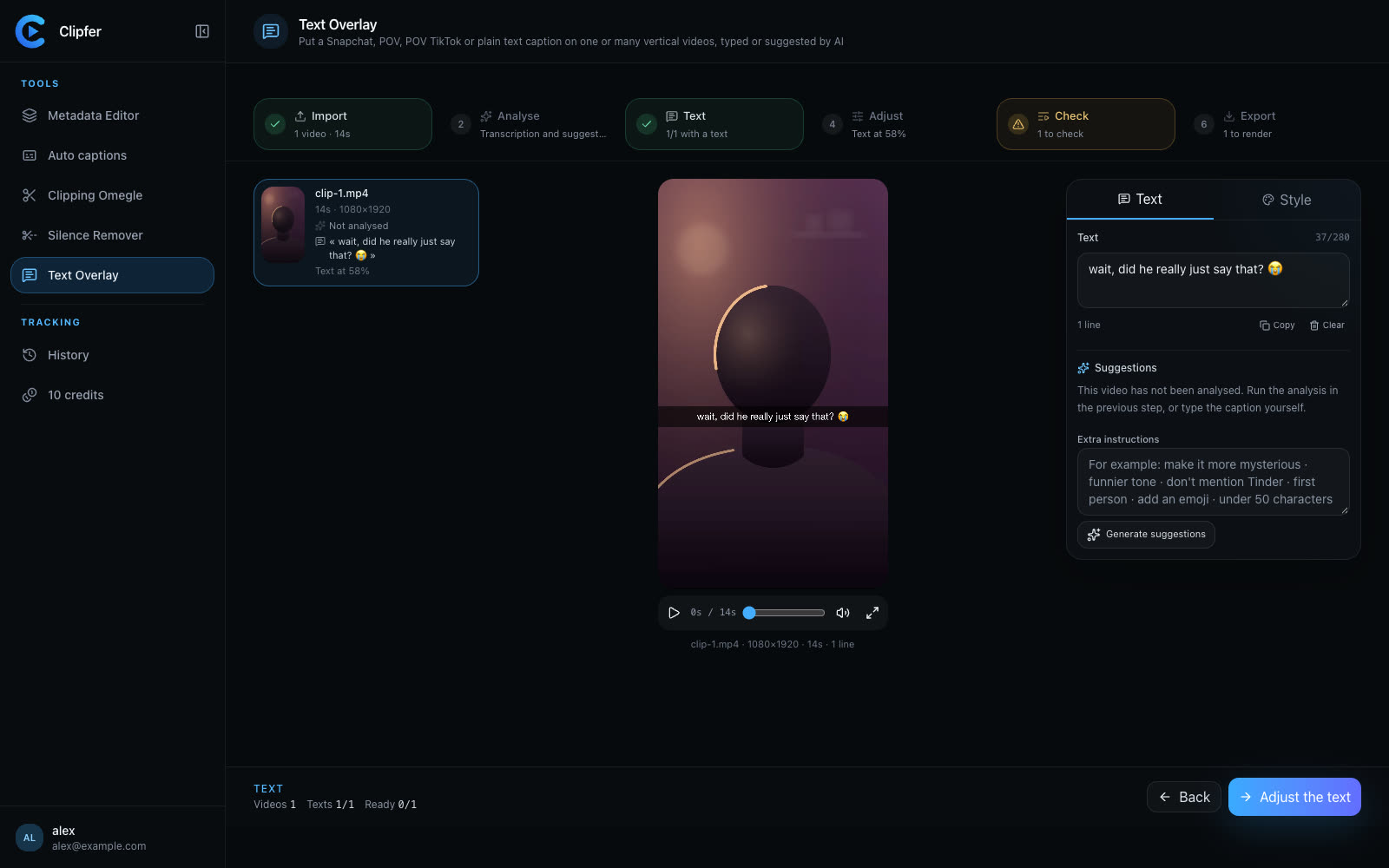
Not every trend format fits every platform the same way. A POV caption style built for TikTok can look out of place on Snapchat, and vice versa. The Text Overlay tool supports Snapchat-style text, POV, POV TikTok and simple formats, written by you or proposed automatically, so you can adapt the same raw clip to different platform conventions without re-shooting. Keeping the underlying footage the same while changing only the text treatment is often enough to follow a trend without losing your editing identity.
Build a repeatable process for high-volume testing
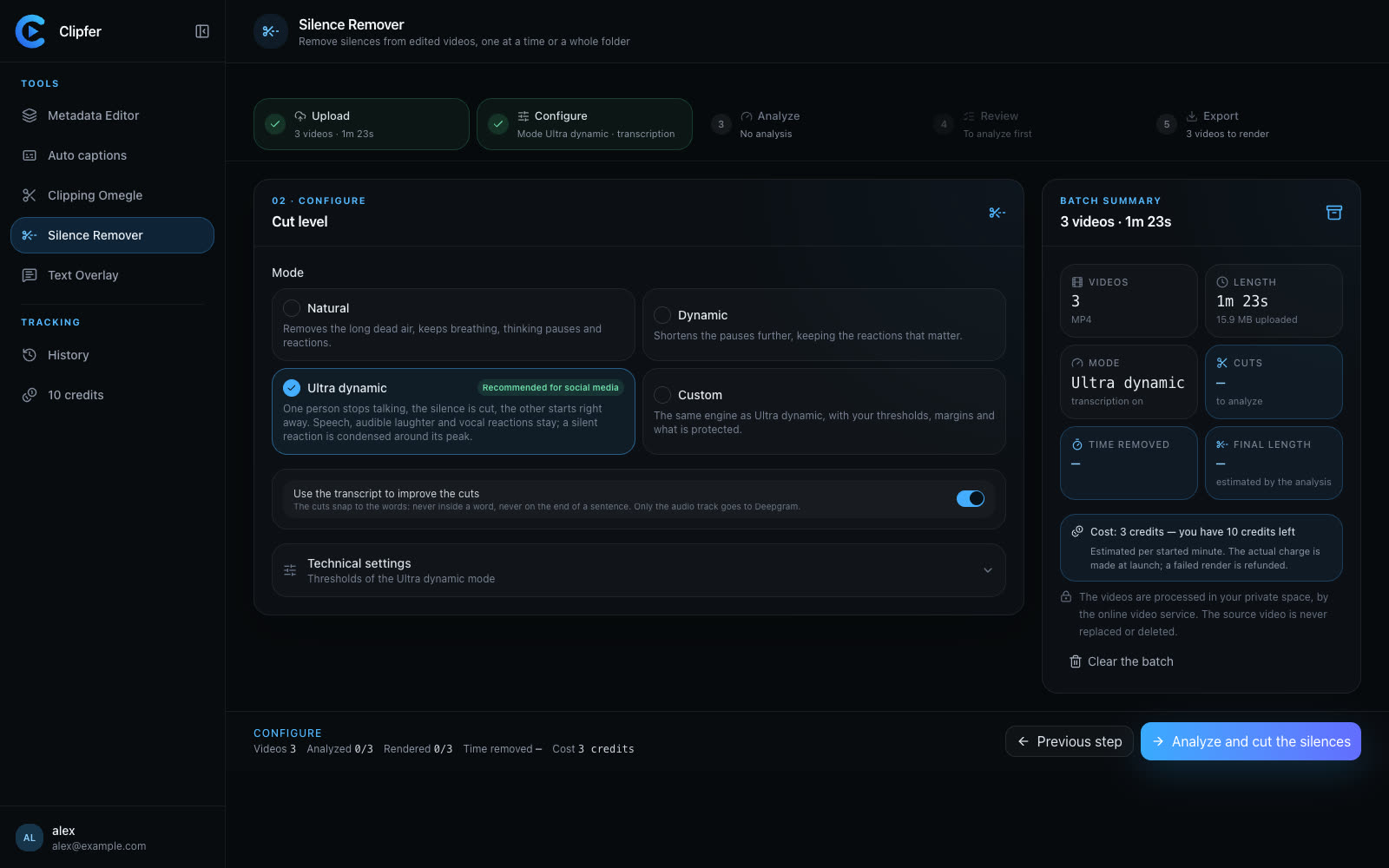
If you're producing clips at volume — multiple podcast cuts, long streams turned into shorts, or a backlog of raw footage — trend-chasing can mean hours of manual editing per clip. A more sustainable approach is to run a whole folder through a consistent pipeline: remove dead air with a silence remover, apply your caption style, and mix in text formats per video rather than redoing each one by hand. Clipfer's Mix tool does this across a batch, assigning auto captions, Snapchat, POV, POV TikTok or Text Overlay per video, and can generate several versions with different distributions so you're not manually rebuilding the same trend format over and over.
Know when a trend isn't worth chasing
Not every trend fits your content. If a format requires abandoning your pacing, tone, or visual identity entirely, it's often better to skip it and wait for one that bends to your style instead of the other way around. Audiences tend to stay for recognizability, not for trend participation alone.
For more on building a consistent captioning and text workflow across your content, see:
Related articles
Vertical content in 2026: what actually works on Snapchat and TikTok
A hook in the first second, native on-screen text, captions, tight pacing and one recording reused across formats: the habits of growing Snapchat and TikTok accounts.
Cleaning Up a Video Podcast Before Clipping It
Why trimming dead air from your raw podcast recording first makes every downstream clip tighter, faster to edit, and easier to repurpose.
Captioning a Video in a Language You Don't Speak
A practical workflow for adding accurate captions to footage in a language you don't understand, without guessing or mistranslating.