How Many Credits Do You Need Per Month?
A practical way to estimate your monthly credit needs on Clipfer based on your actual output, not guesswork or inflated promises.
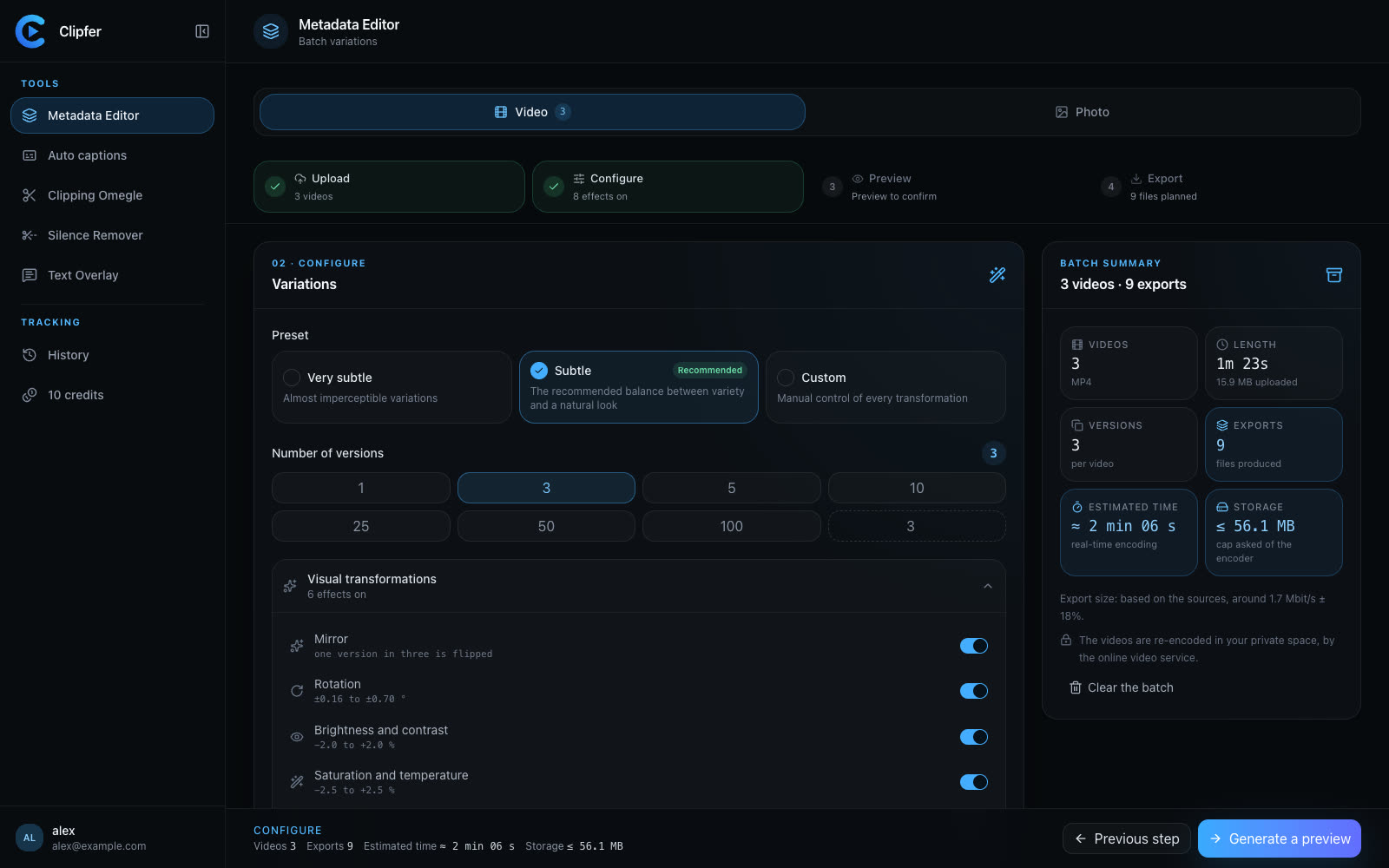
If you're trying to pick between Creator, Pro, and Agency, the question isn't which plan sounds better — it's how many minutes of video you actually produce in a month. Credits on Clipfer are tied to output, so the math is more straightforward than it looks once you break down your workflow.
Start with your base unit: minutes produced
Most tools consume 1 credit per minute of video produced. That includes Auto captions, Silence Remover, Text Overlay, and Metadata Editor variations. Video Clipping is the exception — it runs on a different rate depending on the model, from 2 to 6 credits per minute analyzed, because it's processing a long raw recording rather than just transforming an existing clip.
So the first thing to calculate isn't your subscription tier, it's your monthly output in minutes. If you produce 50 minutes of finished vertical video a month, you're in a completely different bracket than someone pushing 400 minutes across a team.
Count by workflow, not by tool
A single video rarely touches just one tool. A typical pipeline might be:
- Import footage
- Run Metadata Editor to generate a few unique versions
- Add Auto captions
- Apply Text Overlay or Mix for variety
Each pass through a tool that outputs a new video consumes credits again. If you generate 5 metadata variations of a 1-minute clip, then caption all 5, that's already 10 credits for one source video — not 1.
This is where people underestimate their needs. Multiply your source video count by the number of versions you typically generate, then by the number of tools each version passes through.
Agencies and managers: multiply by volume
If you're running OFM-style volume work or managing multiple creator accounts, the math scales fast. Ten source videos per creator, five creators, three variations each, captions on all of them — that's 150 credits before you've touched a Clipping Omegle session. The Agency plan at 2,000 credits a month exists for exactly this kind of throughput, but it's worth doing the arithmetic rather than assuming a higher tier automatically covers you.
Podcasters and Clipping Omegle users
If your main use case is Clipping Omegle, your credit consumption depends on how long your source recordings are, not how many clips come out. A 60-minute conversation analyzed at 4 credits per minute costs 240 credits regardless of whether you end up with 8 clips or 20. Long raw sessions add up quickly, so if this is your primary workflow, budget around source recording length rather than final clip count.
When a pack makes more sense than upgrading
If you're consistently close to your plan's limit but not over it by much, the 100-credit pack at 15 euros can smooth out an occasional heavy month without committing to a higher tier for twelve months. This is useful for seasonal spikes — a launch week, a batch of client deliverables, a one-off Clipping Omegle project — where your usual plan covers most months fine.
A simple way to check your real number
Before switching plans, look at your last month in My projects. Count:
- How many source videos you processed
- How many versions you generated per video
- Which tools each version passed through
- Any Clipping Omegle sessions and their raw length
Add it up and compare it to your current plan's credit allowance. If you're routinely running out mid-month, that's a clearer signal than any sales page. If you have credits left over every cycle, annual billing at the 25% discount might be worth considering instead of downgrading.
Credits are a direct reflection of what you produce, not an arbitrary quota, so the best way to size your plan is to measure your own output over a real month rather than estimate from the outside.
Related reading
Understanding credits Plans and payment Managing your plan and credits
Related articles
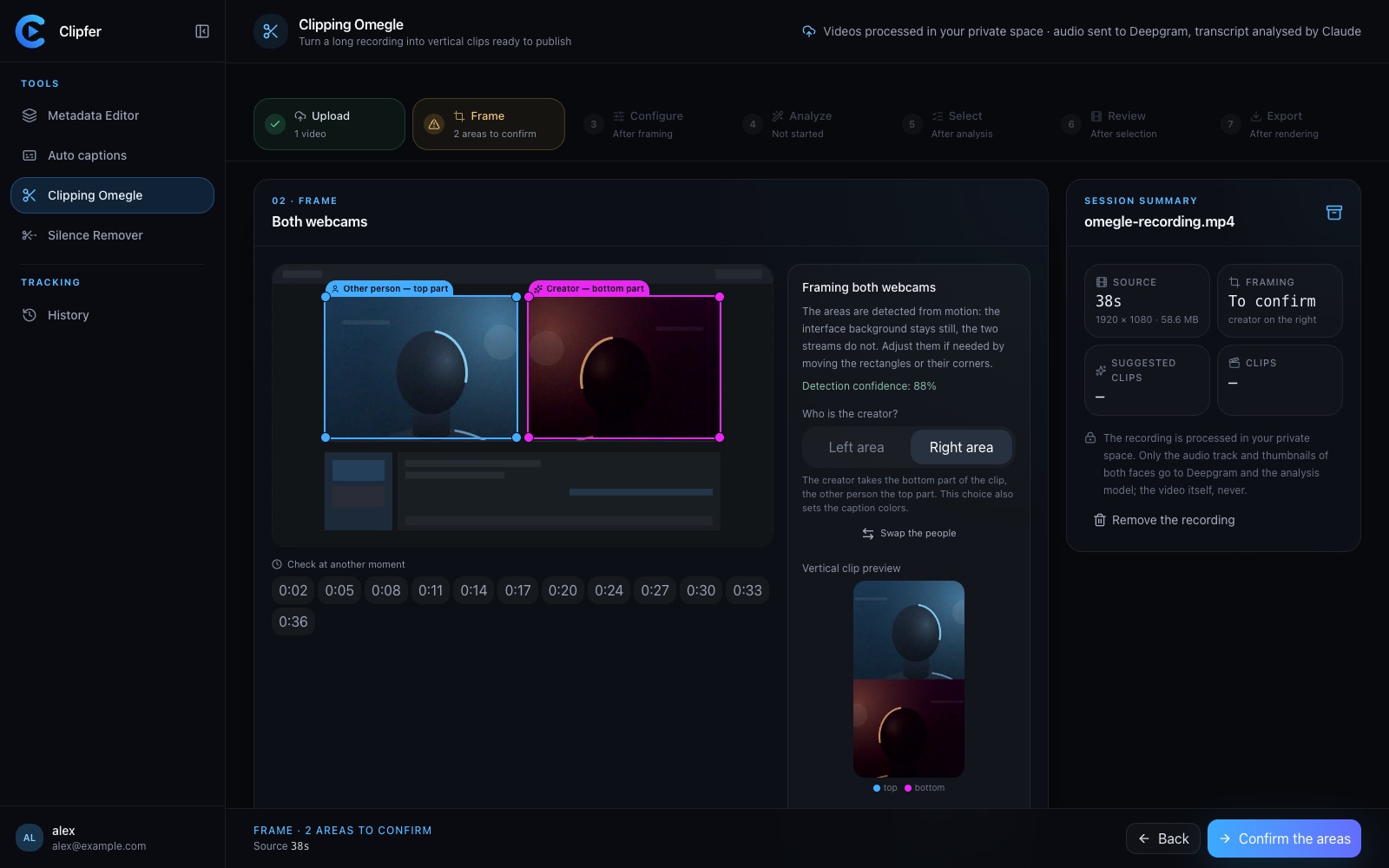
Which Analysis Model for Which Recording? Choosing Clipping Omegle Settings
A practical guide to picking the right analysis depth for Clipping Omegle, balancing clip quality, processing cost, and recording length.
One Shared History for the Whole Team
How agencies and managers keep track of batches, versions, and clients without losing files across team members and tools.
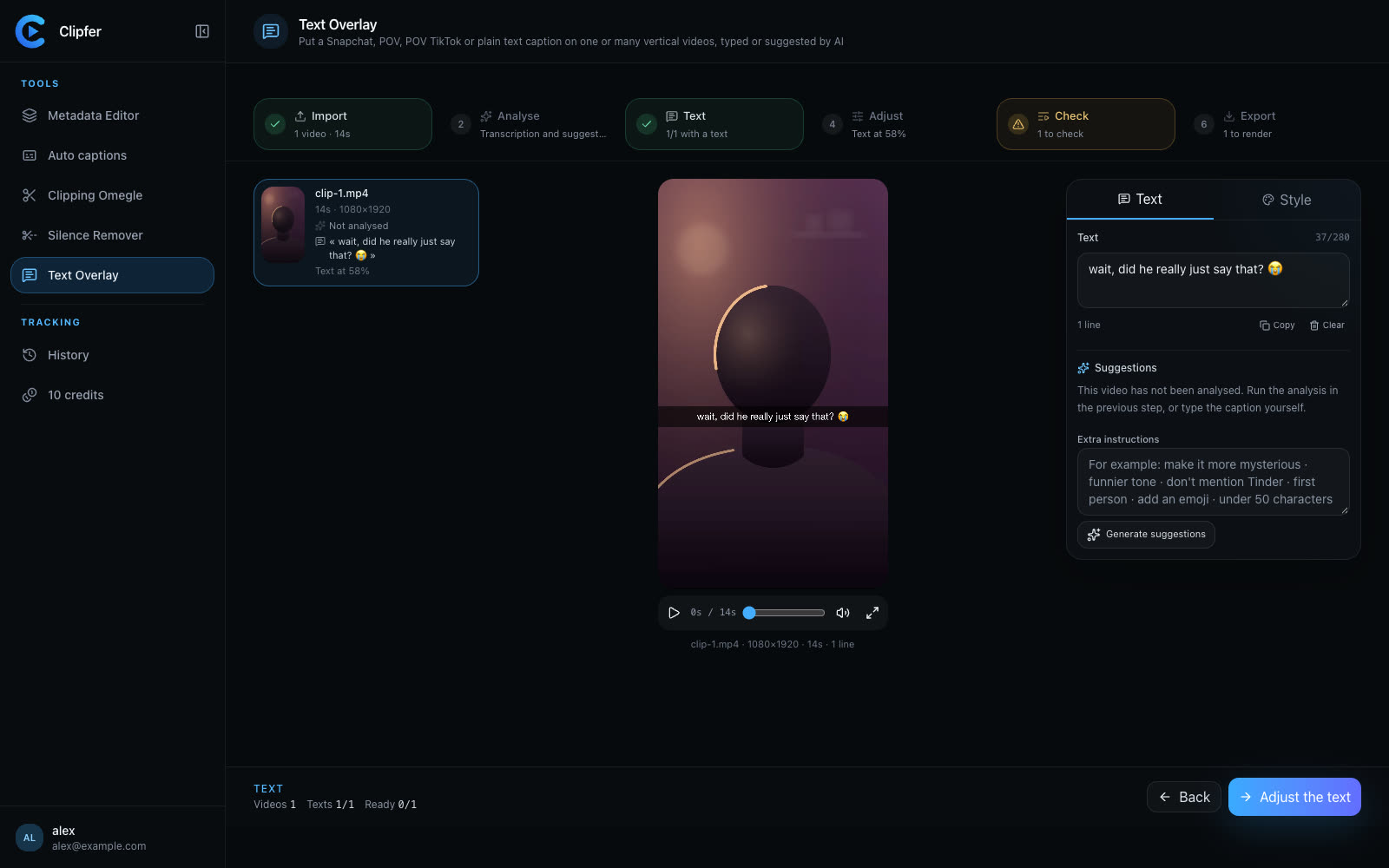
Filming With Your Phone: Framing, Sound, and Light Without Gear
Practical phone-filming basics for vertical creators: how to frame, capture clean audio, and light a scene without buying any gear.