Posting the same video on several accounts: variations and metadata explained
Why an identical file gets flagged as a duplicate, what a variation changes (cleaned metadata, unique fingerprint), what to avoid, and how to produce versions as a batch.
An agency running several accounts, a creator active on Snapchat, TikTok and Reels, a manager posting the same content for several profiles: they all hit the same wall. A file uploaded twice is recognised as a duplicate, and the second post gets throttled or ignored. Here is how platforms spot a copy, what a real variation changes, and how to produce a set of them without losing a day.
Why an identical file gets spotted
A platform does not need to "watch" your video to know it has seen it before. Two kinds of clues are enough:
- The file's metadata. Creation date, device model, export software, unique identifiers left by the phone or the editing app. Two files exported from the same source share all of them.
- The content fingerprint. A signature computed from the frames and the audio. Two files with the same length, the same frames at the same instants and the same audio track have the same fingerprint, whatever their name.
Renaming the file or changing its caption does nothing to either clue. That is why a "new" post made from the same export is treated as a copy of the first one.
What a variation changes
A variation is a version of the same content that shares neither the metadata nor the fingerprint, while looking identical to the eye. To get there, several light transformations are combined:
- Metadata is cleaned: no original date, device model or software identifier.
- Speed varies slightly (a few hundredths), which shifts every frame and changes the length by a fraction of a second.
- A light crop moves the edges of the picture by a few pixels.
- Small shifts in brightness and colour, invisible to the eye, change the values of every frame.
- Frame rate, resolution or encoding quality can also differ from one version to the next.
Each version then has its own fingerprint. The setting is what matters: a variation that is too strong shows (slowed-down video, odd colours, a cropped edge), one that is too weak is not enough. That is why comparing a preview against the original, before launching the batch, is part of the process.
What not to do
Variations exist to post legitimate content on several accounts you manage, not to get around rules. Three things to avoid:
- Flooding a platform with dozens of versions of the same clip from accounts created for that purpose. It looks like spam because it is. Those accounts end up restricted, variation or not.
- Reposting someone else's content. A variation gives you no rights over a video you did not produce.
- Pushing the settings to the maximum "to be safe". The result is a worse-looking video, and quality is what keeps viewers watching, not the fingerprint.
A healthy use: three accounts for one brand, each with its own version, its own caption and its own posting time.
Producing the versions as a batch with Metadata Editor
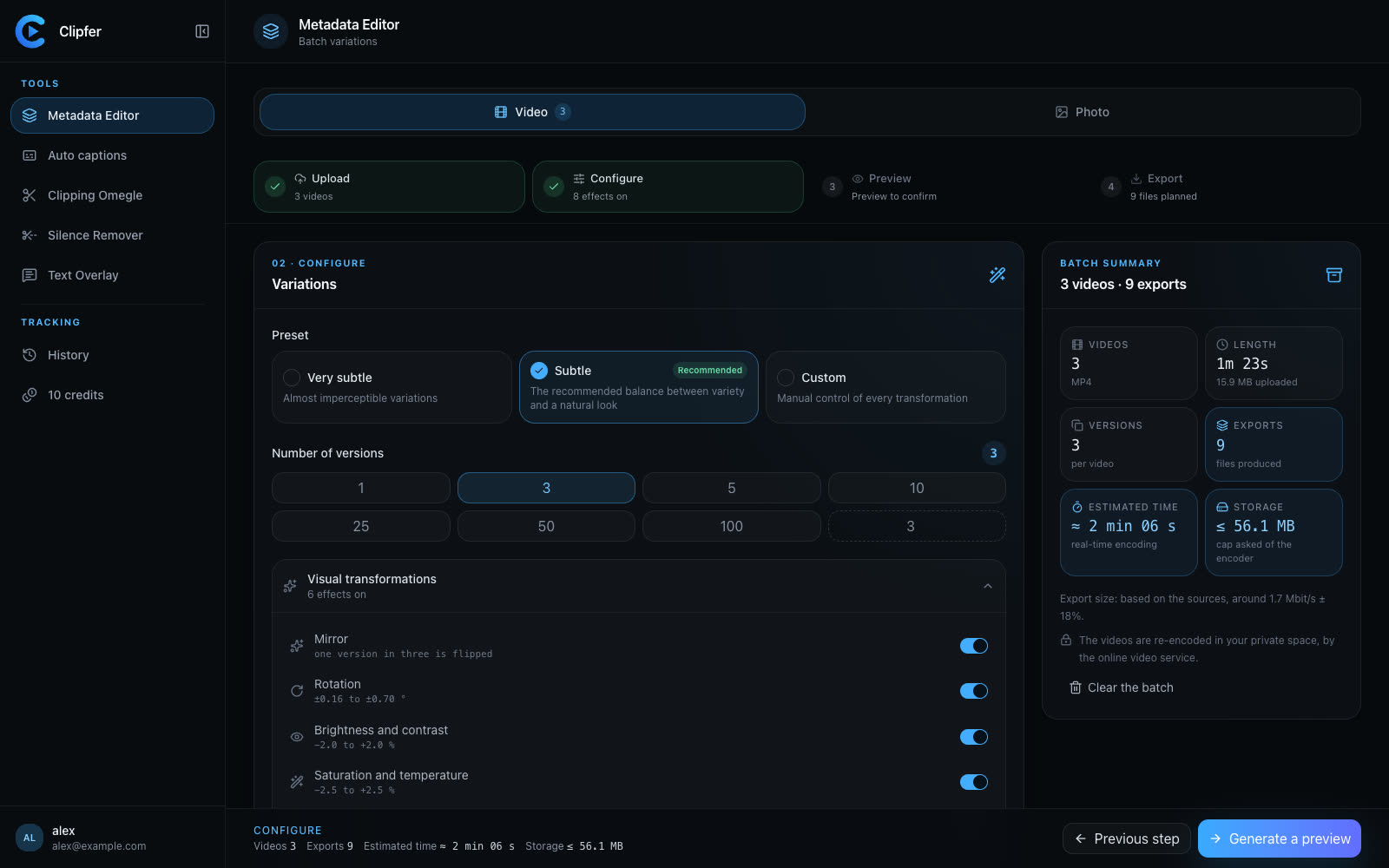
Clipfer's Metadata Editor produces variations of one or several videos in batches, and of photos too. The flow has four steps: Import, Settings, Preview, Export.
- Import your videos (MP4, MOV, M4V, WebM), a ZIP archive or a folder. In photo mode, JPEG, PNG, WebP, HEIC and AVIF are accepted.
- Settings: pick the number of versions per video (up to one hundred) and a preset: "Very subtle" for almost imperceptible variations, "Subtle" for the recommended balance between variety and a natural look, or "Custom" to control every transformation (speed, crop, brightness, colour, frame rate, resolution, quality). A global strength slider adjusts everything at once.
- Preview one version next to the original, in compare mode, before launching anything. This is where you make sure no variation is visible.
- Export: each version is rendered with cleaned metadata, a random file name and a different fingerprint. A uniqueness check confirms that no two versions resemble each other, and the batch downloads as a ZIP archive.
Outputs are anonymised, as with every Clipfer tool: nothing in the file points back to your device, your software or the source.
What it costs
The rate is simple: 1 credit per version and per minute of video produced, every started minute counting with a two-second grace. Three versions of a 45-second video cost 3 credits; ten versions of a two-minute video cost 20. Photos are free, and so are previews. The estimated cost is shown before you launch, and a failed version is refunded. For the details, see Understanding credits.
Going further
Related articles
Agencies and OFM managers: running video production in weekly batches
For agencies and managers posting for several creators: weekly batches, folders, captions then variations from one recording, a shared history, and credits per plan.
Clipping an Omegle or Ome.tv conversation: from a long recording to vertical clips
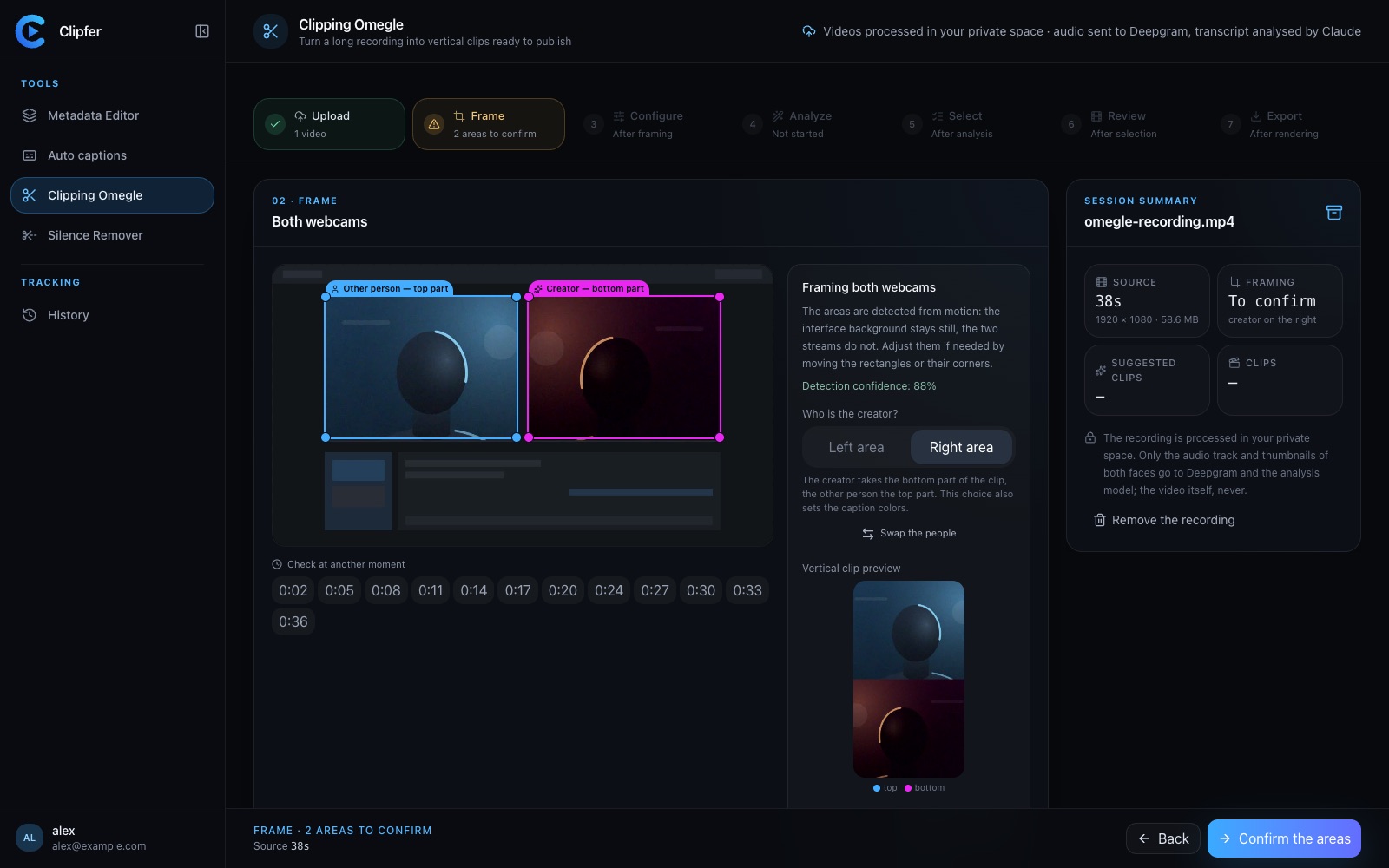
Spotting the right moments, choosing who goes on top in the two-webcam frame, captions, sound effects, the analysis models and their credit cost, and polishing in the clip editor.
Cutting silence: pacing a video without making it feel mechanical
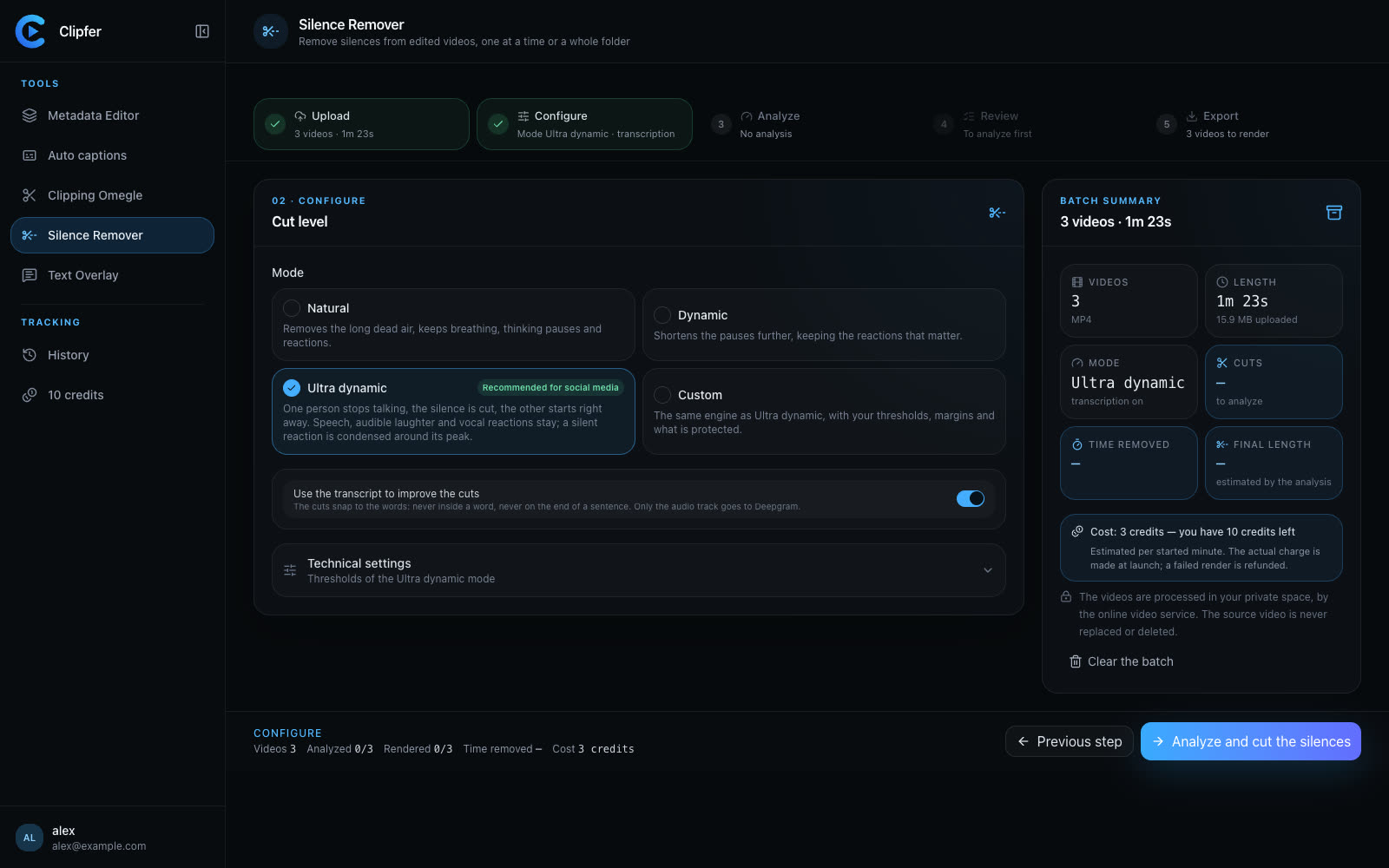
Dead air, hesitations, breaths: what to remove, what to keep, how to set thresholds, and how to check the cuts across a whole folder before you export.